Tax Rates
Define tax rates that apply to invoices and estimates, with automatic history preservation for audit compliance.
Overview
Tax Rates let you configure the sales tax percentages applied to invoices and estimates. Forz preserves an immutable history of tax rate changes: when you edit a tax rate's name or percentage, Forz archives the original and creates a new version. This ensures that previously issued invoices reference the exact rate that was in effect when they were sent.
Before You Begin
Prerequisites:
You have the Admin role in Forz.
The Invoice or Estimate module is enabled in Settings > Modules.
Creating a Tax Rate
Click Settings in the sidebar navigation.
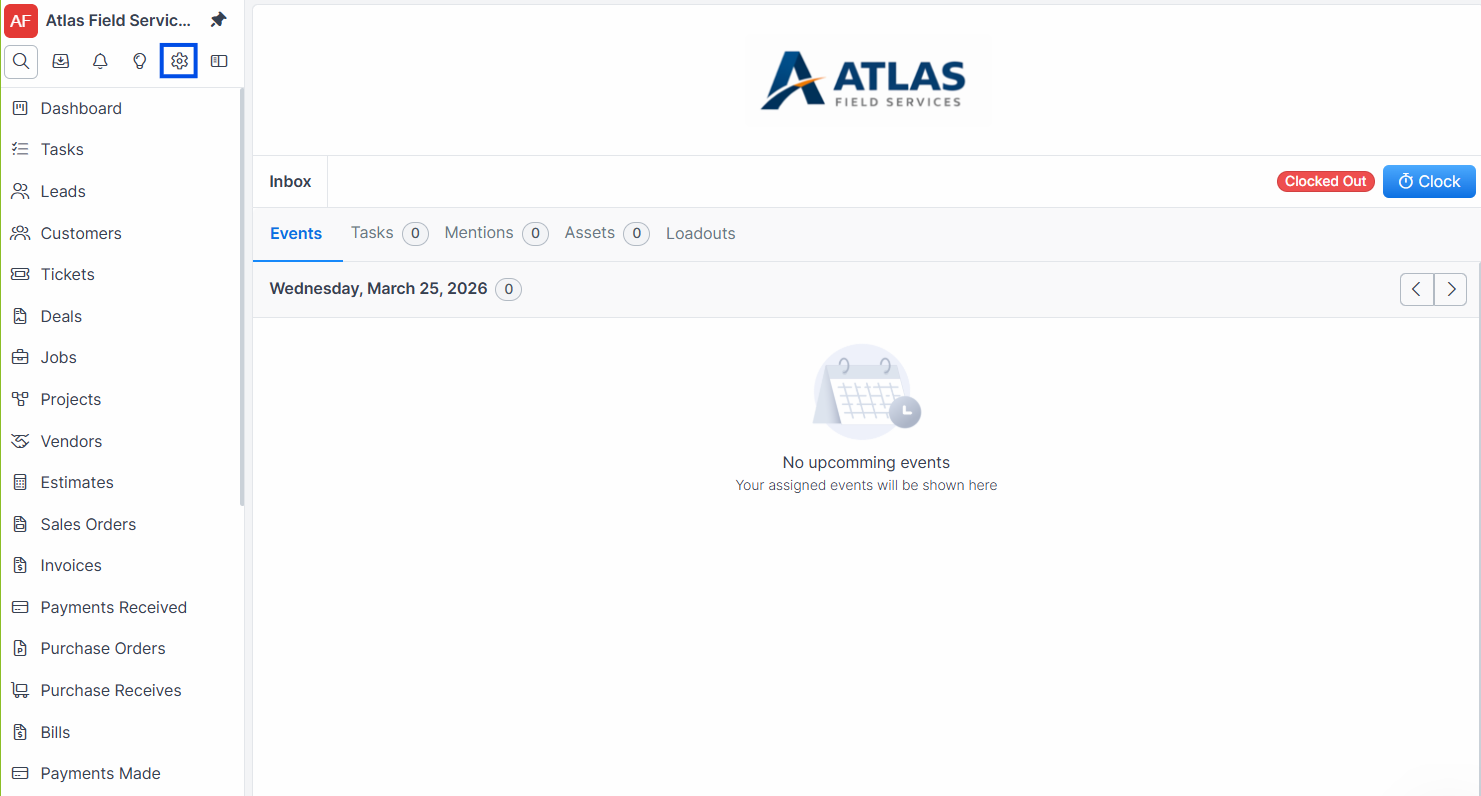
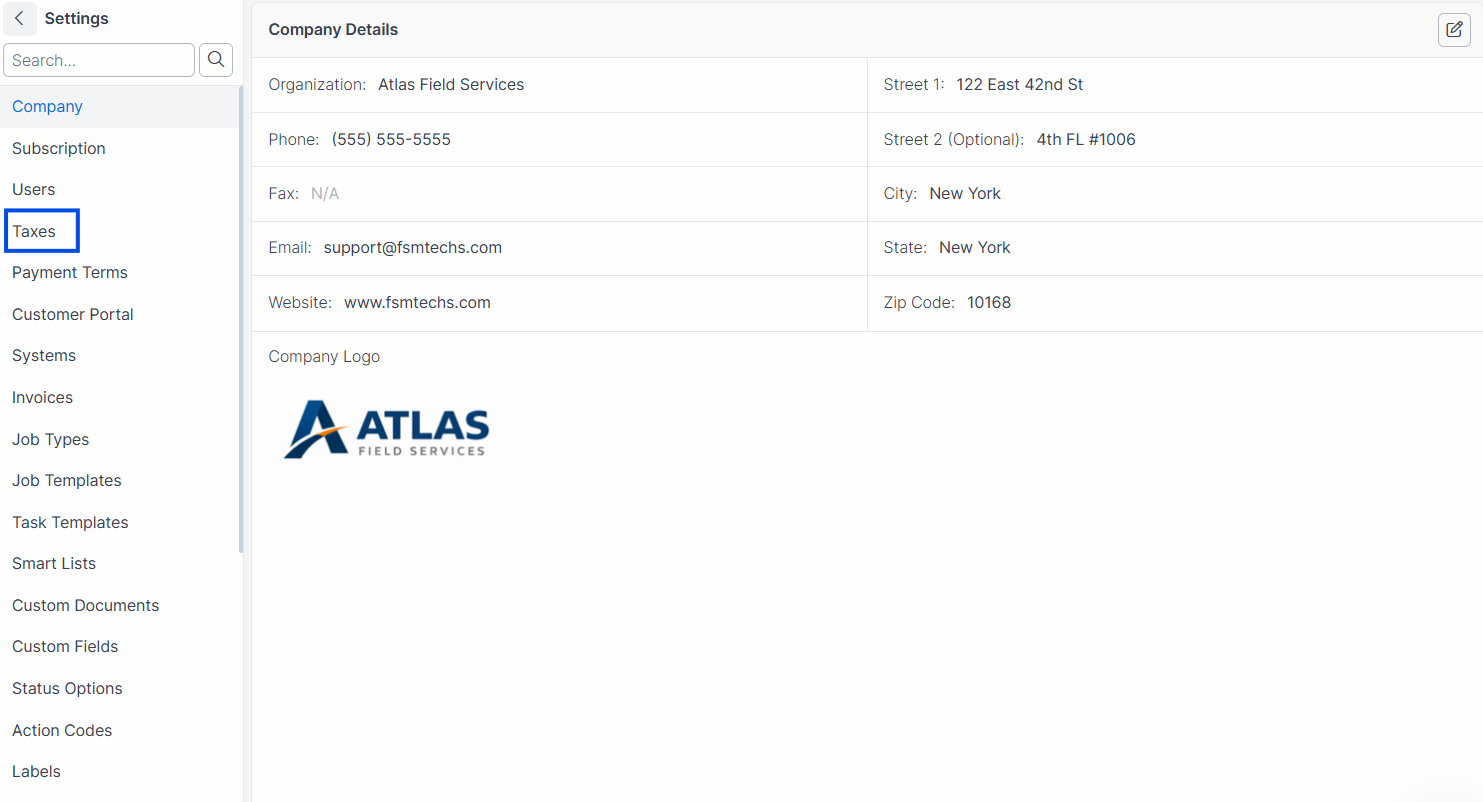
Click the Taxes tab.
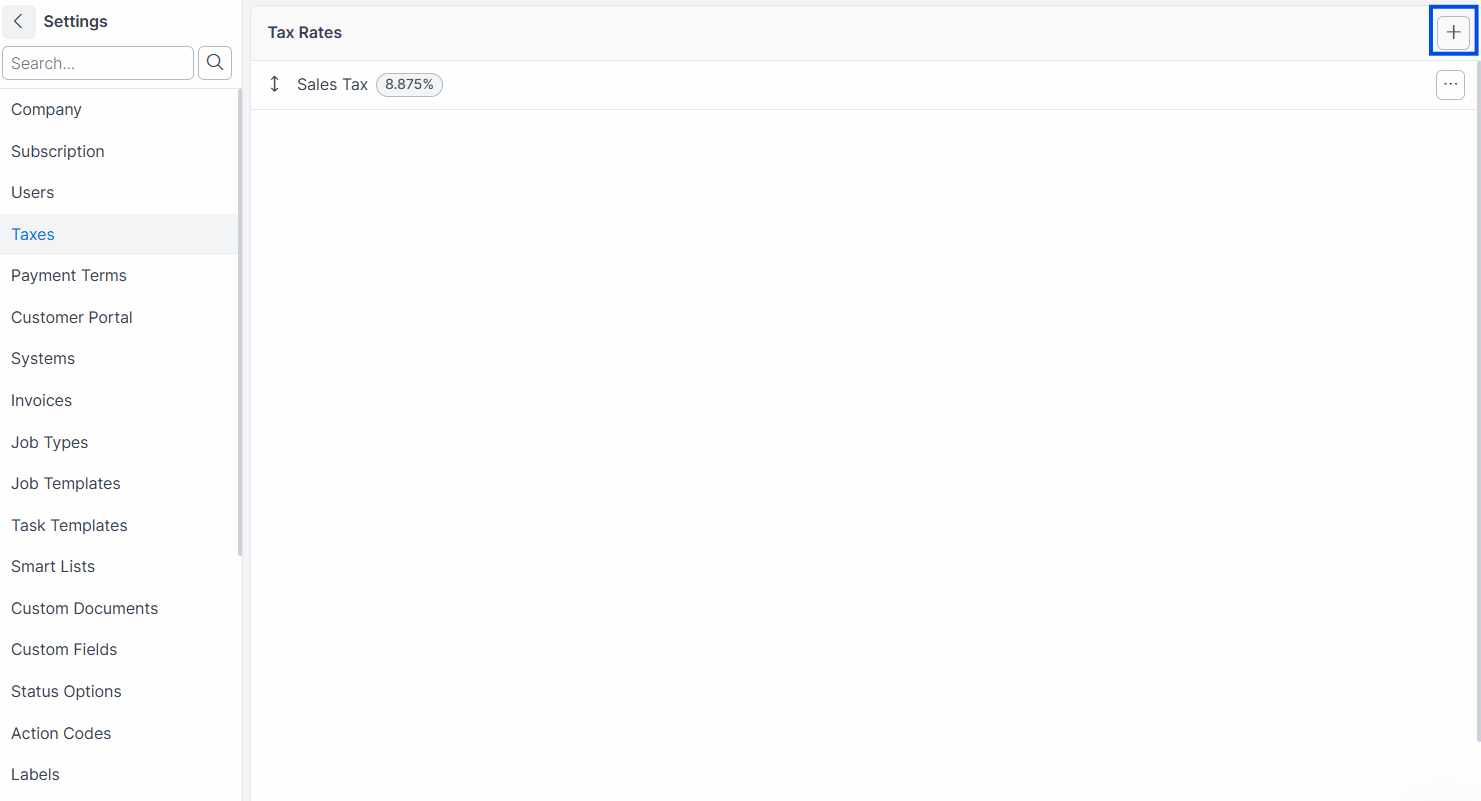
Click Add Tax Rate.
Enter a Name (e.g., "State Sales Tax" or "Travis County Tax").
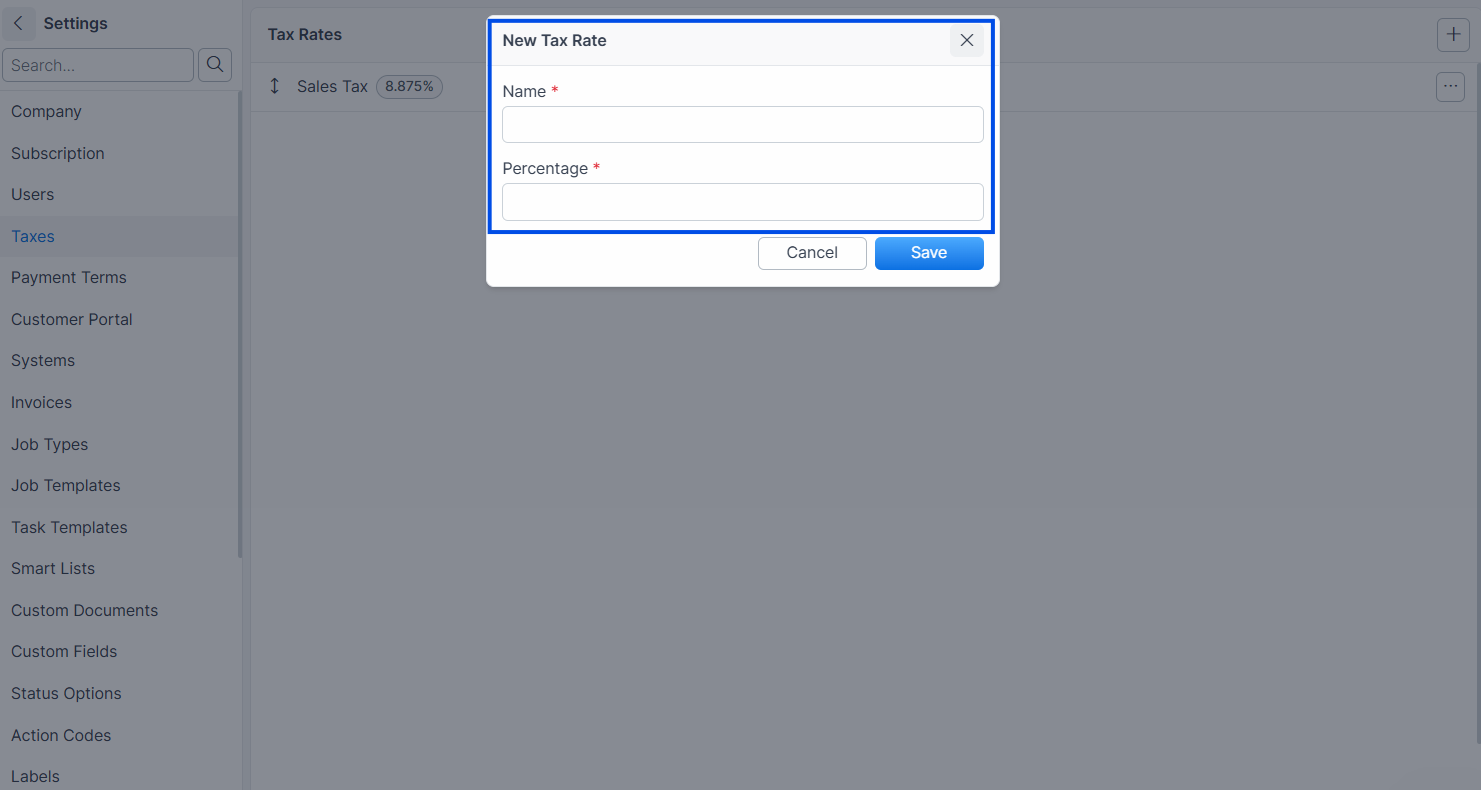
Enter the Rate as a percentage (e.g., 8.25).
Click Save.
Expected result: The tax rate appears in the list and is available when creating invoices and estimates. The rate is shown as a percentage.
Note: When you create your first tax rate, Forz automatically enables the Sales Tax module for your account.
Editing a Tax Rate
When you change a tax rate's name or percentage, Forz uses an archive-and-create pattern to preserve history:
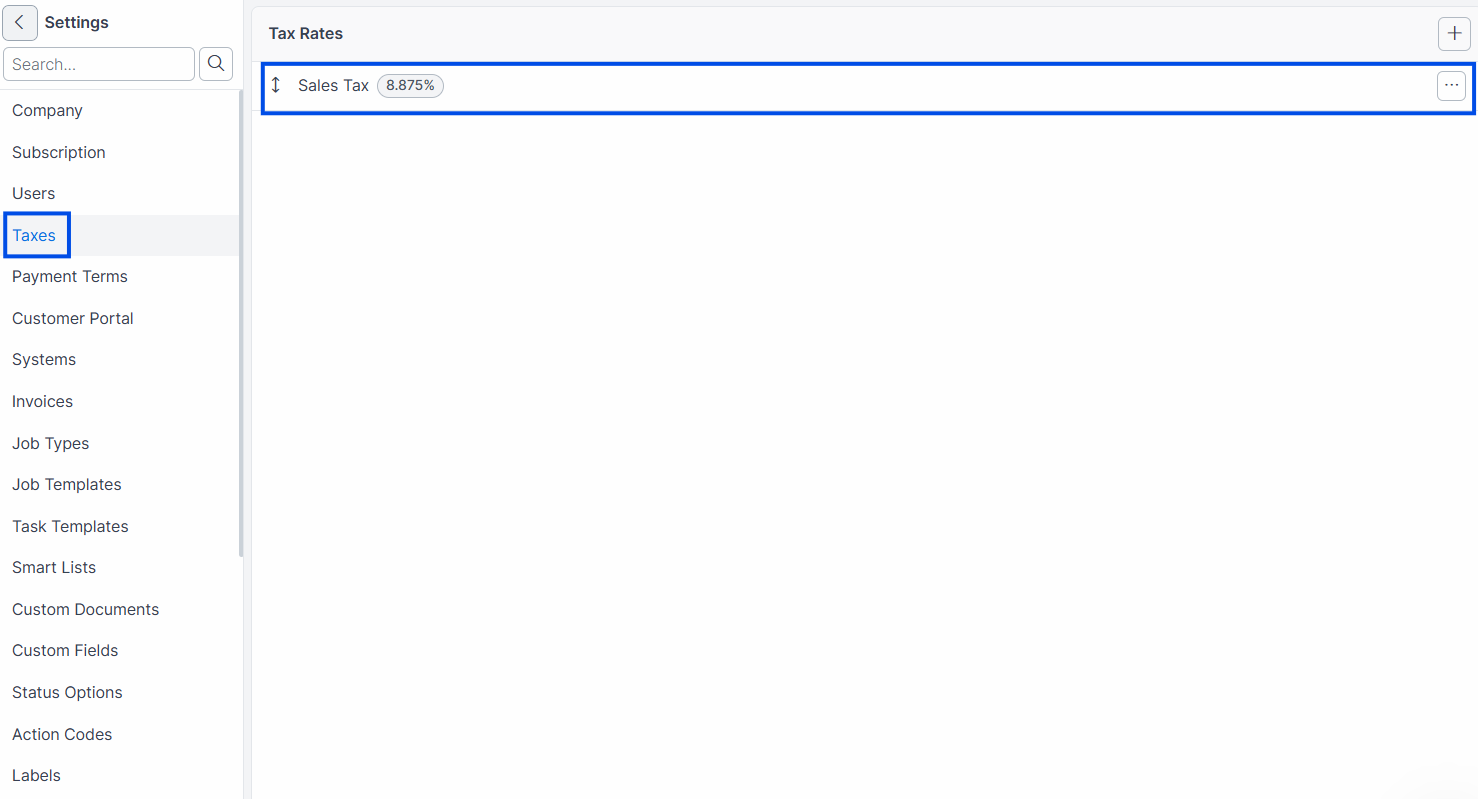
Navigate to Settings > Taxes.
Click the tax rate you want to modify.
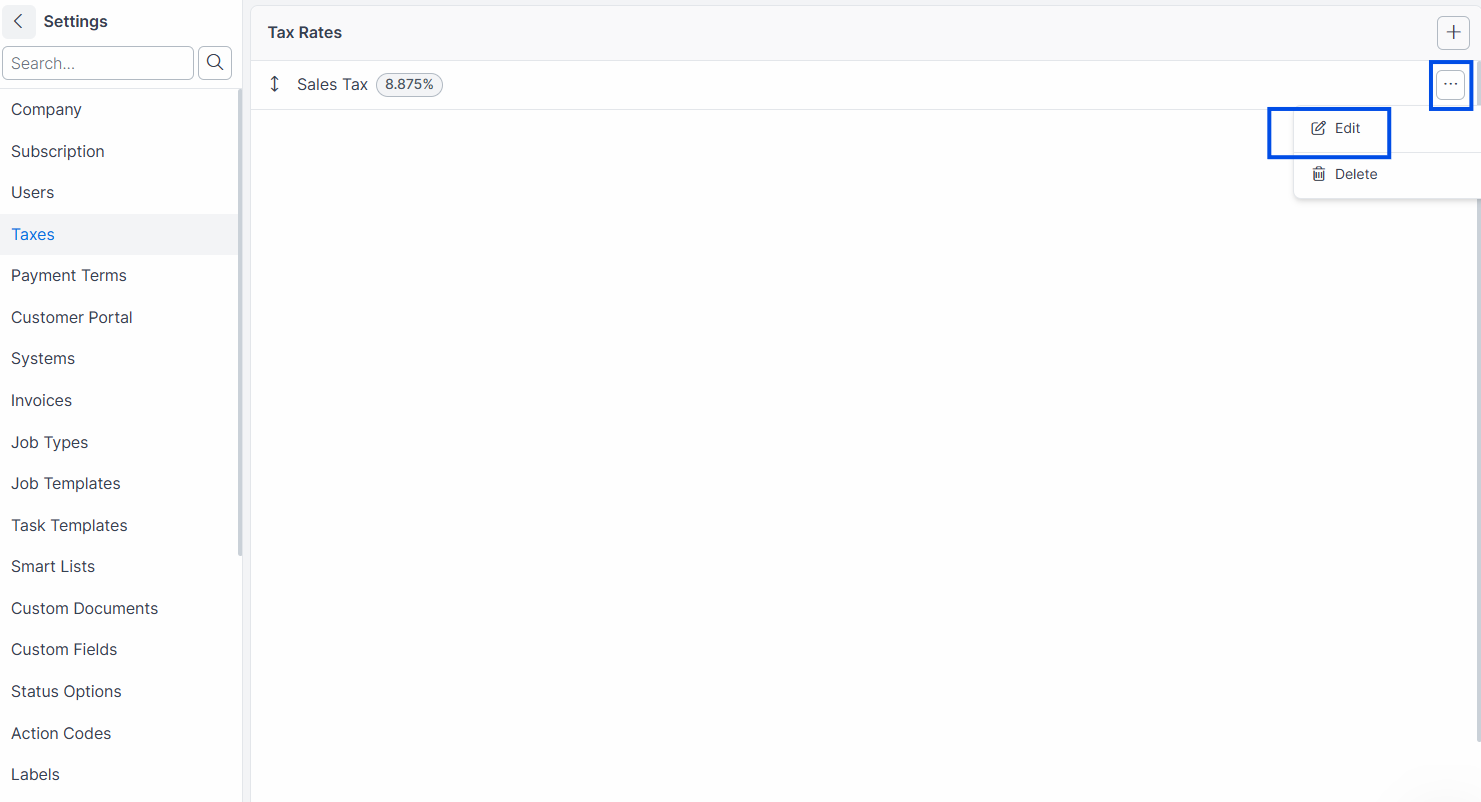
Update the Name or Rate.
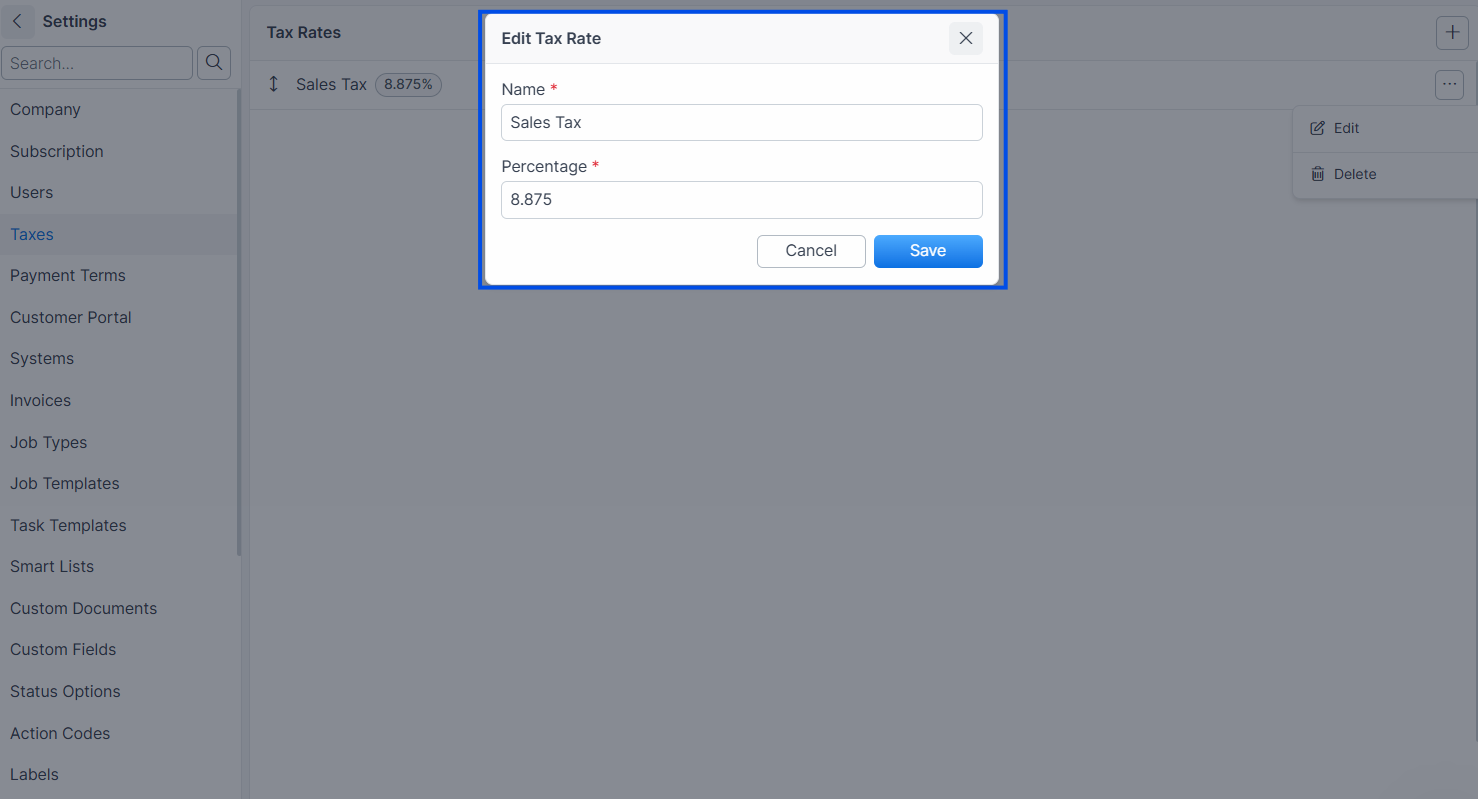
Click Save.
Expected result: Forz archives the original tax rate (marking it as inactive) and creates a new tax rate with the updated values. Previously issued invoices continue referencing the archived rate. New invoices use the updated rate.
Warning: Editing a tax rate's name or percentage creates a new version. The original rate is preserved for audit history. If you only need to reorder tax rates (without changing name or rate), the original is updated in place without creating a new version.
How the Archive Pattern Works
When you save changes to a tax rate:
If name or rate changed: Forz reloads the original values, marks the original as archived, saves it, then creates a new record with the updated values. Both records exist — the archived one for historical invoices, the new one for future use.
If neither name nor rate changed: Forz performs a normal update (e.g., reordering) without creating a new version.
This ensures that invoice line items always reference the exact tax rate in effect at the time the invoice was created.
Reordering Tax Rates
Tax rates support position-based ordering. The order determines how they appear in dropdown menus.
Navigate to Settings > Taxes.
Drag tax rates to rearrange their order.
Expected result: The display order updates immediately. Only active (non-archived) tax rates are shown and can be reordered.
QuickBooks Tax Sync
If you have the QuickBooks integration connected, tax rates can be imported from QuickBooks:
Tax Rates from QuickBooks are imported directly with their name and rate percentage.
Tax Codes (grouped tax rates) are imported as a single combined rate by summing the component rates.
Imported tax rates store a QuickBooks integration ID for tracking.
Note: Tax rates in the
Integratableconcern have theTaxRateclass listed inCLASSES_TO_IGNORE, meaning changes to tax rates in Forz are not pushed back to QuickBooks. Tax rate sync is one-way (QuickBooks to Forz).
Common Scenarios
HVAC company setting up multi-jurisdiction taxes
An HVAC company operates across two counties with different tax rates. The admin creates "Travis County Tax" at 8.25% and "Williamson County Tax" at 8.0%. When creating an invoice, the dispatcher selects the appropriate tax rate based on the job's service address.
Plumbing company updating a tax rate after a rate change
The state increases sales tax from 6.5% to 7.0%. The admin edits the "State Sales Tax" rate from 6.5 to 7.0. Forz archives the 6.5% version and creates a new 7.0% version. All invoices issued before the change still show 6.5%. New invoices use 7.0%.
Electrical contractor importing tax rates from QuickBooks
An electrical contractor connects QuickBooks and imports tax codes. QuickBooks has a tax code "CA Sales Tax" that groups a state rate (6.0%) and a local rate (1.25%). Forz imports this as a single tax rate "CA Sales Tax" at 7.25%.
Troubleshooting
Was this helpful?
Still need help? Ask the team