Certificates
Record a team member's certifications and training on their profile, with an optional copy of the document.
Overview
Certificates let you record and track professional certifications, licenses, and training completions for each technician. Each certificate includes a description and an optional file attachment (PDF, image, or scan of the credential). This helps dispatchers assign qualified technicians to specialized jobs and keeps compliance records in one place.
Before You Begin
Prerequisites:
You have the Admin or Dispatcher role (or a custom role with Certificate permissions).
The technician's user account exists under Team.
Adding a Certificate
Click Team in the sidebar.
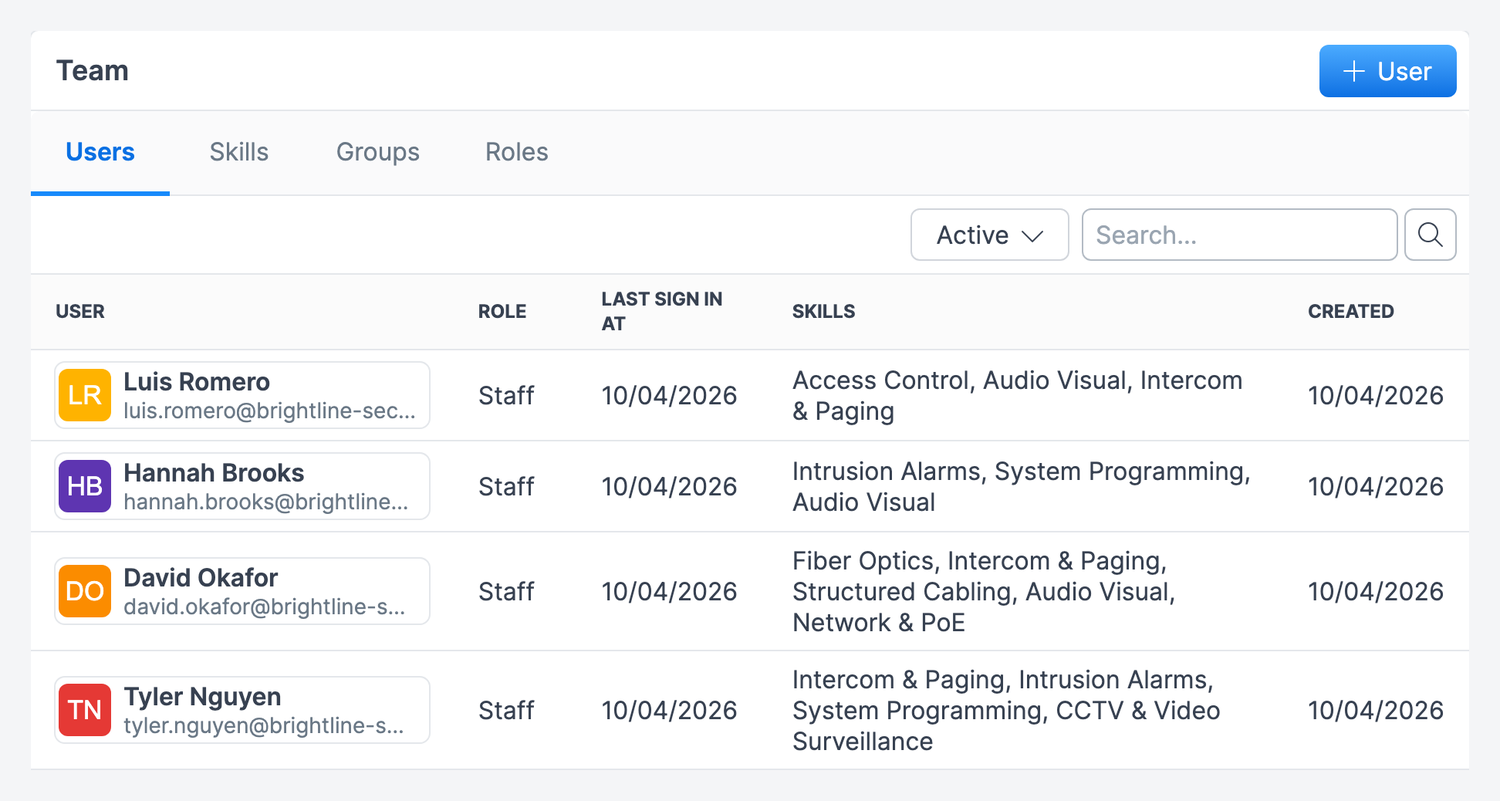
Click the technician’s name.
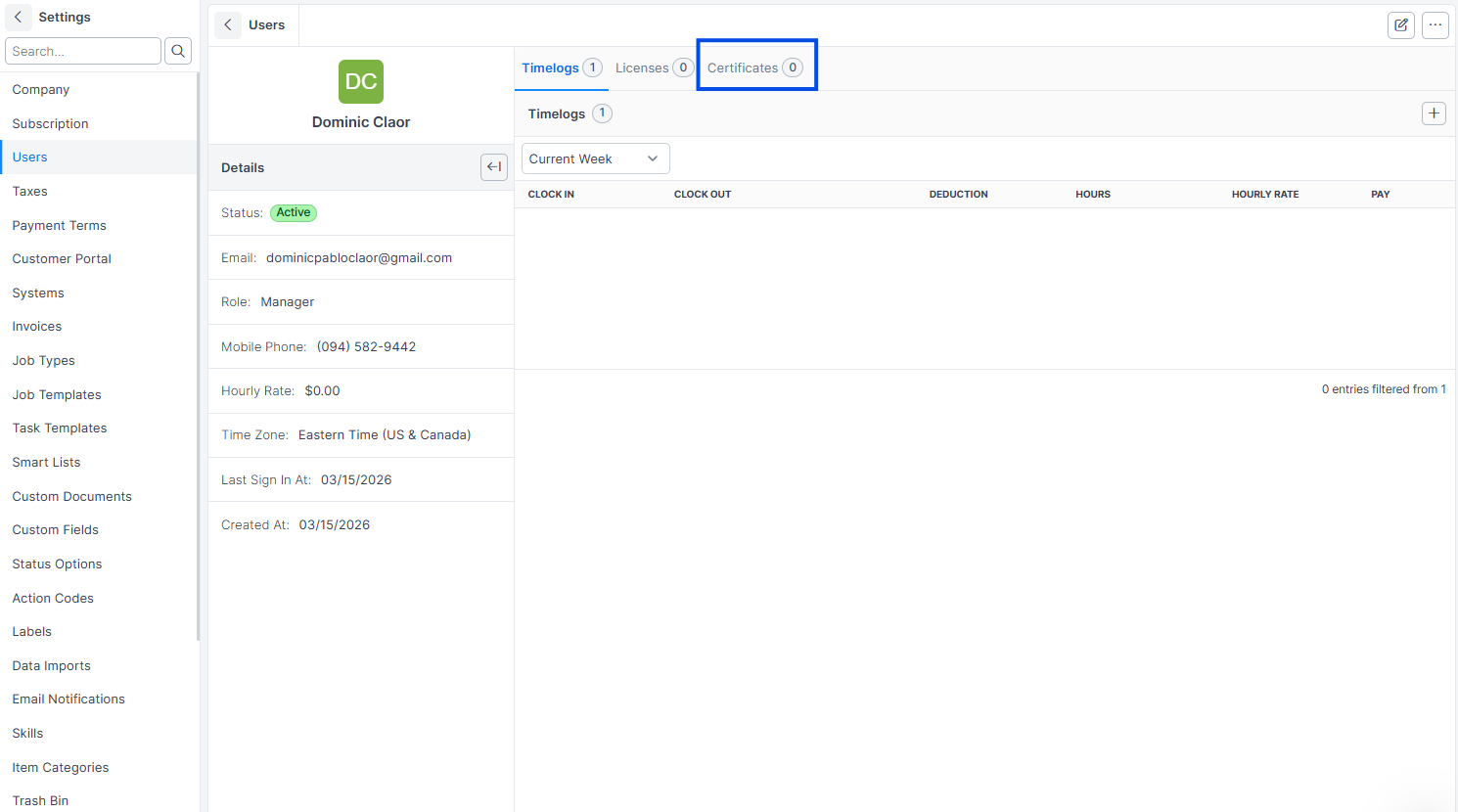
Click the Certificates tab.
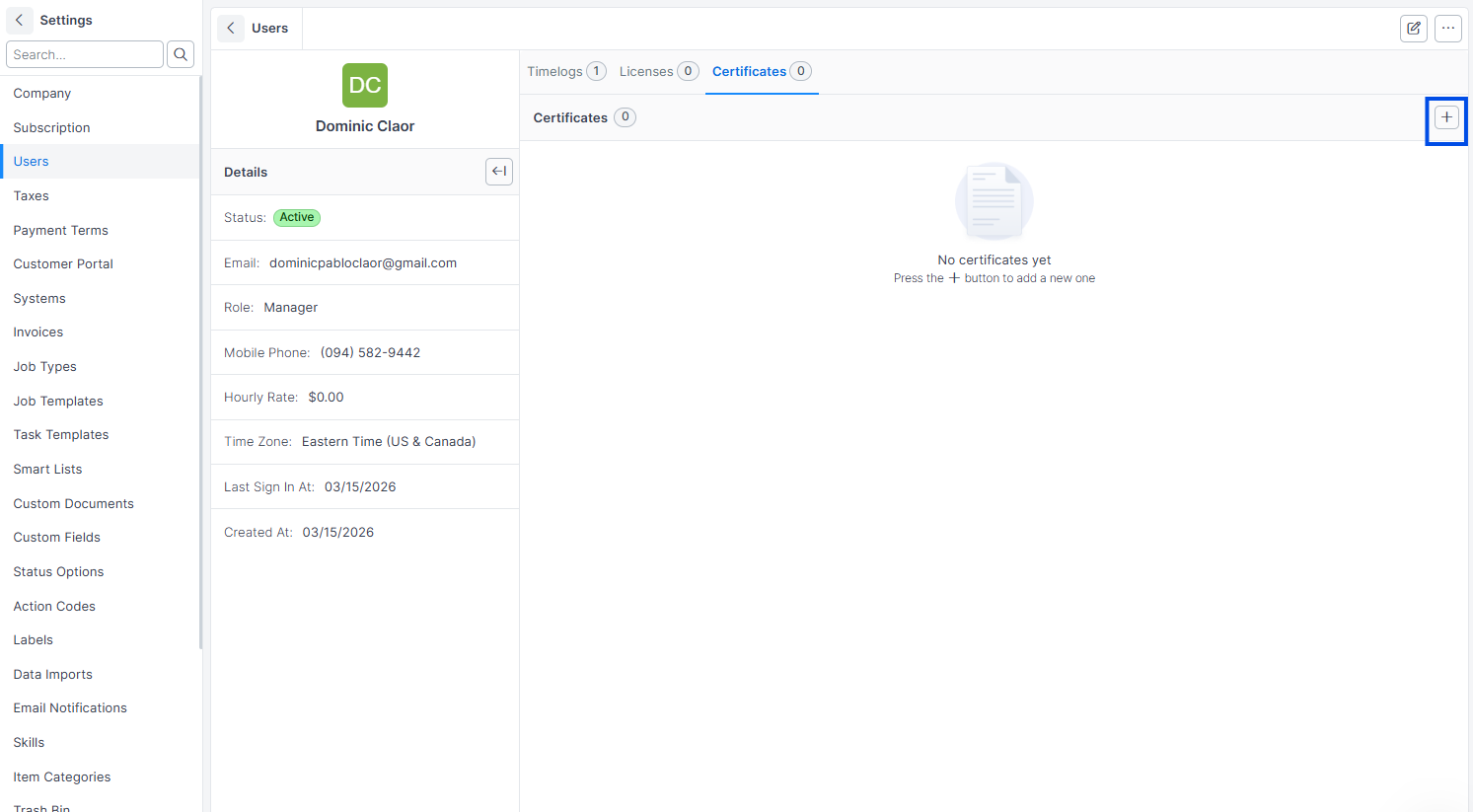
Click Add Certificate.
Enter a Description (required, e.g., "EPA Section 608 Universal Certification" or "Journeyman Electrician License -- State of Texas").
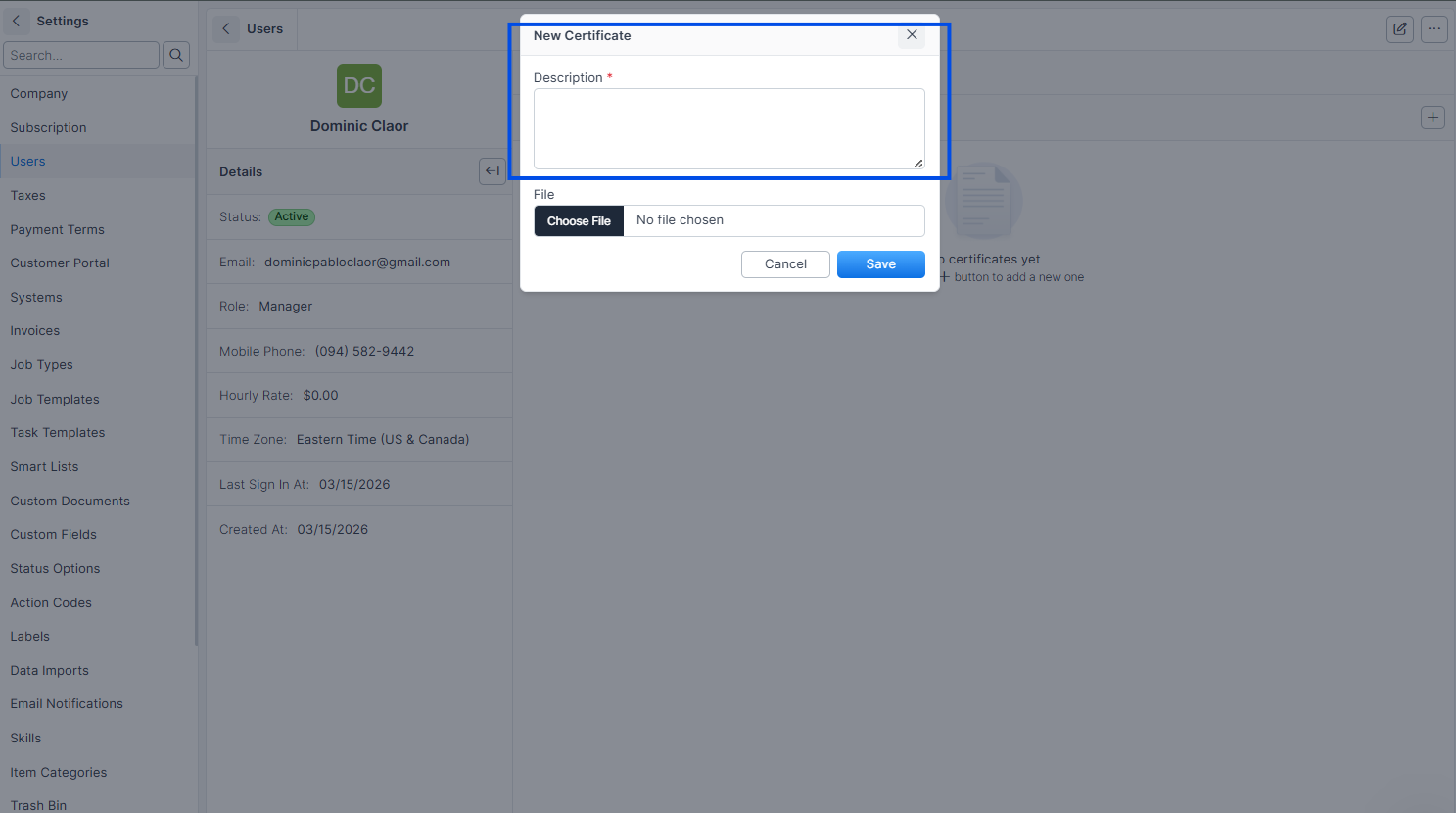
Upload a File (optional — PDF or image of the certificate).
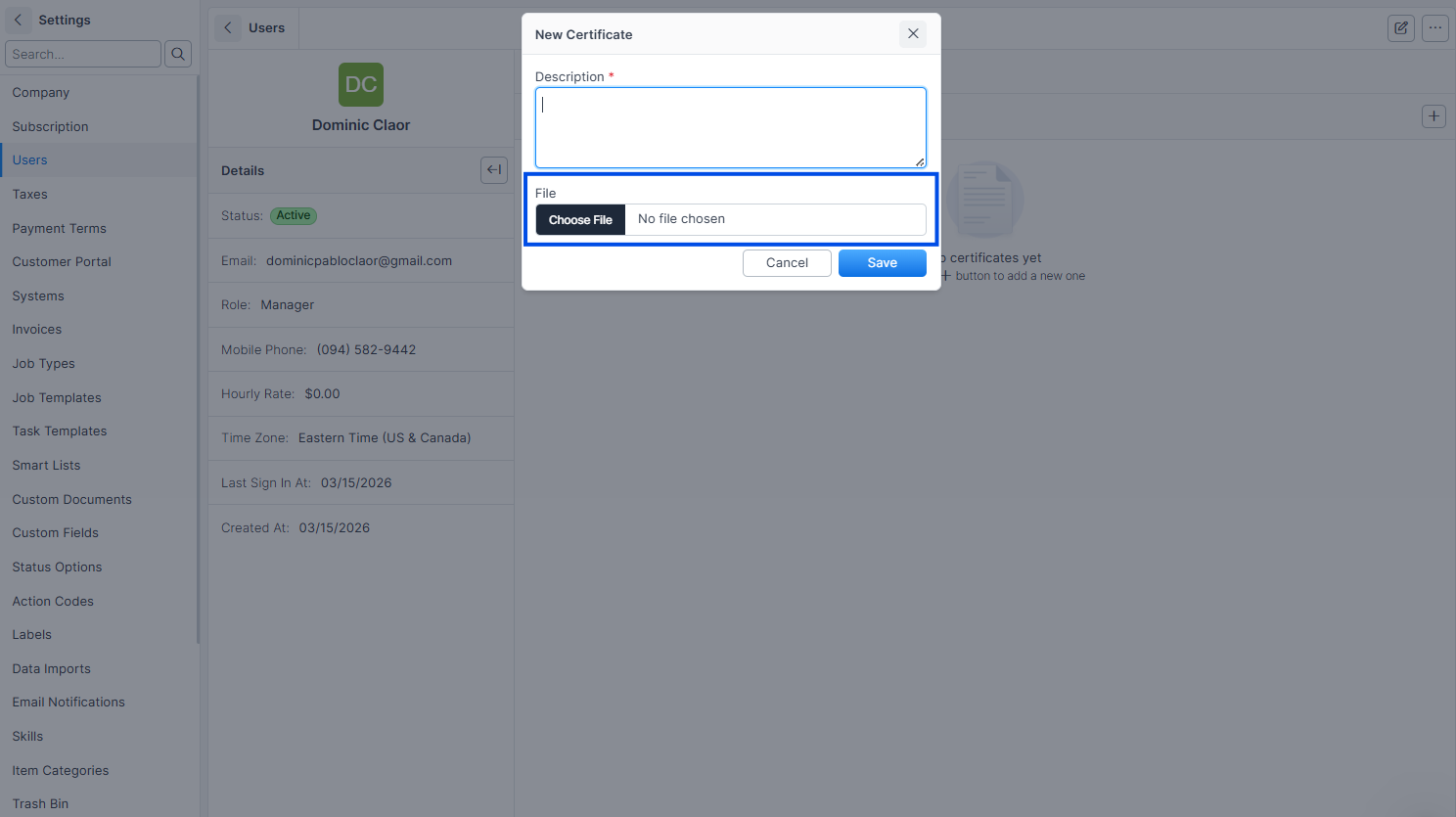
Click Save.
Expected result: The certificate appears on the technician's profile under the Certificates tab. If a file was uploaded, it is available for download.
Note: The description field is required. Use descriptive names that include the certification type and issuing authority, making it easy to search and verify.
Viewing Certificates
Click Team in the sidebar.
Click the technician's name.
Click the Certificates tab.
Expected result: All certificates for that technician are listed with descriptions and file download links.
Deleting a Certificate
Navigate to the technician's certificate list.
Click the certificate you want to remove.
Click Delete.
Expected result: The certificate is soft-deleted and no longer appears on the technician's profile.
Common Scenarios
HVAC company tracking EPA certifications
An HVAC company requires all technicians to hold EPA Section 608 certification for handling refrigerants. The office manager uploads each technician's EPA card (scanned as PDF) to their Forz profile. When a new maintenance contract requires certified technicians, the dispatcher checks certificates before assigning the job.
Electrical contractor maintaining license records
An electrical contractor uploads each electrician's state license (Journeyman or Master), OSHA 10/30 cards, and first aid certifications. When bidding on government contracts that require proof of licensure, the office manager downloads the certificates directly from Forz.
Plumbing company tracking backflow tester certifications
A plumbing company has three technicians certified for backflow prevention testing. Their certification documents are uploaded to Forz. When a customer requests annual backflow testing, the dispatcher filters qualified technicians by checking their certificate records before scheduling.
Troubleshooting
Was this helpful?
Still need help? Ask the team