Submit Feature Requests, Bug Reports, or Feedback
Learn how to easily get in touch with Forz Support and share in-context requests for seamless communication.
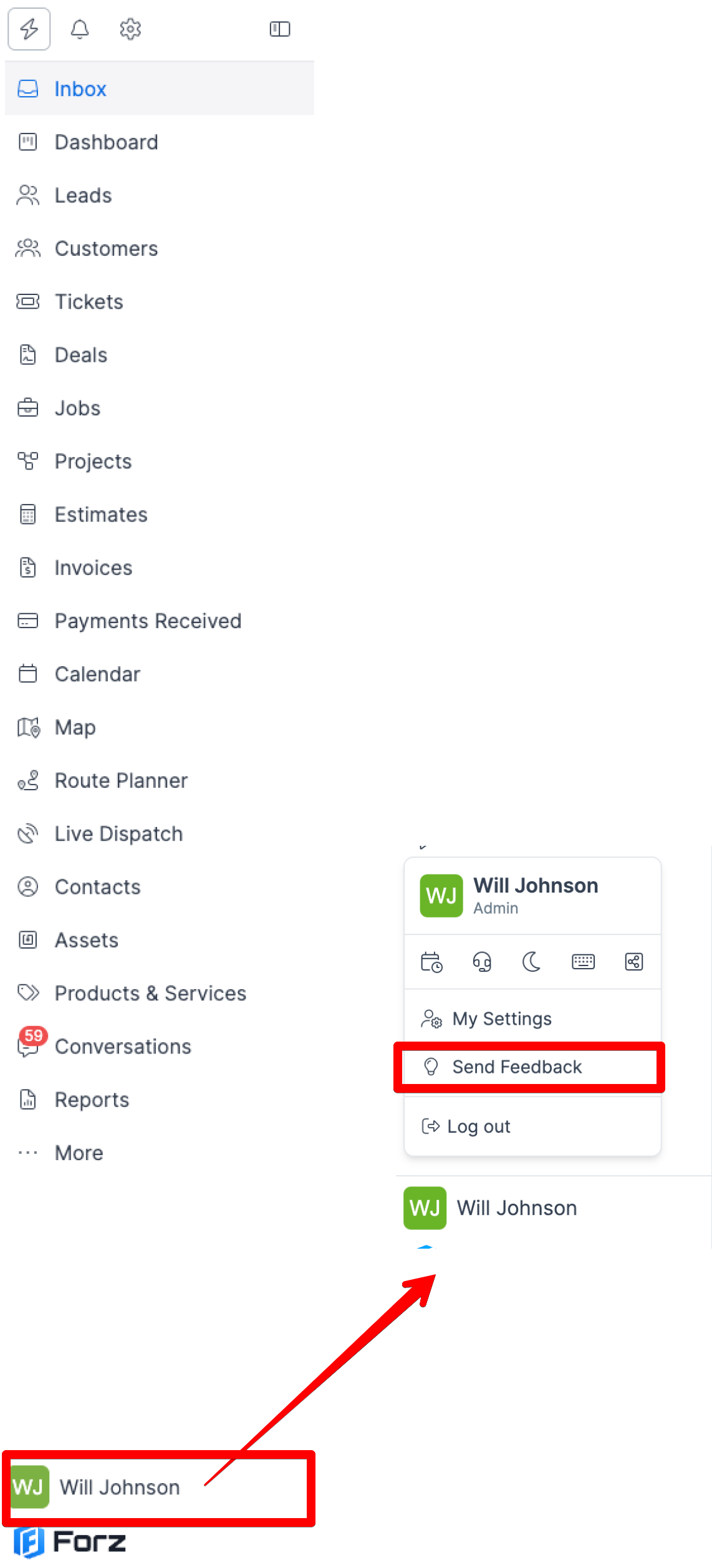
1) Click your avatar at the bottom of the sidebar and open the Send Feedback tool.
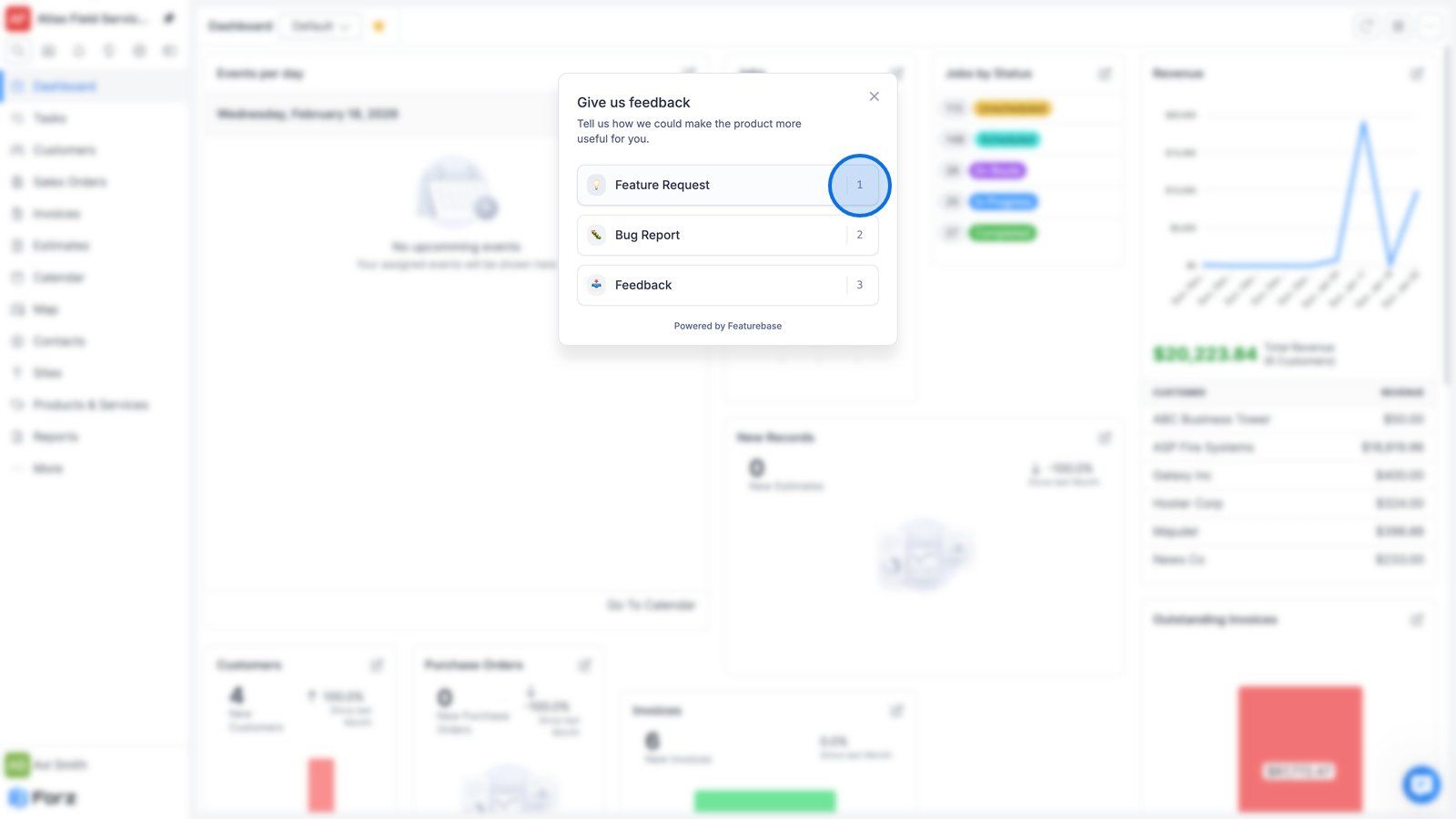
2) Select Feature Request, Bug Report, or Feedback, depending on your needs.
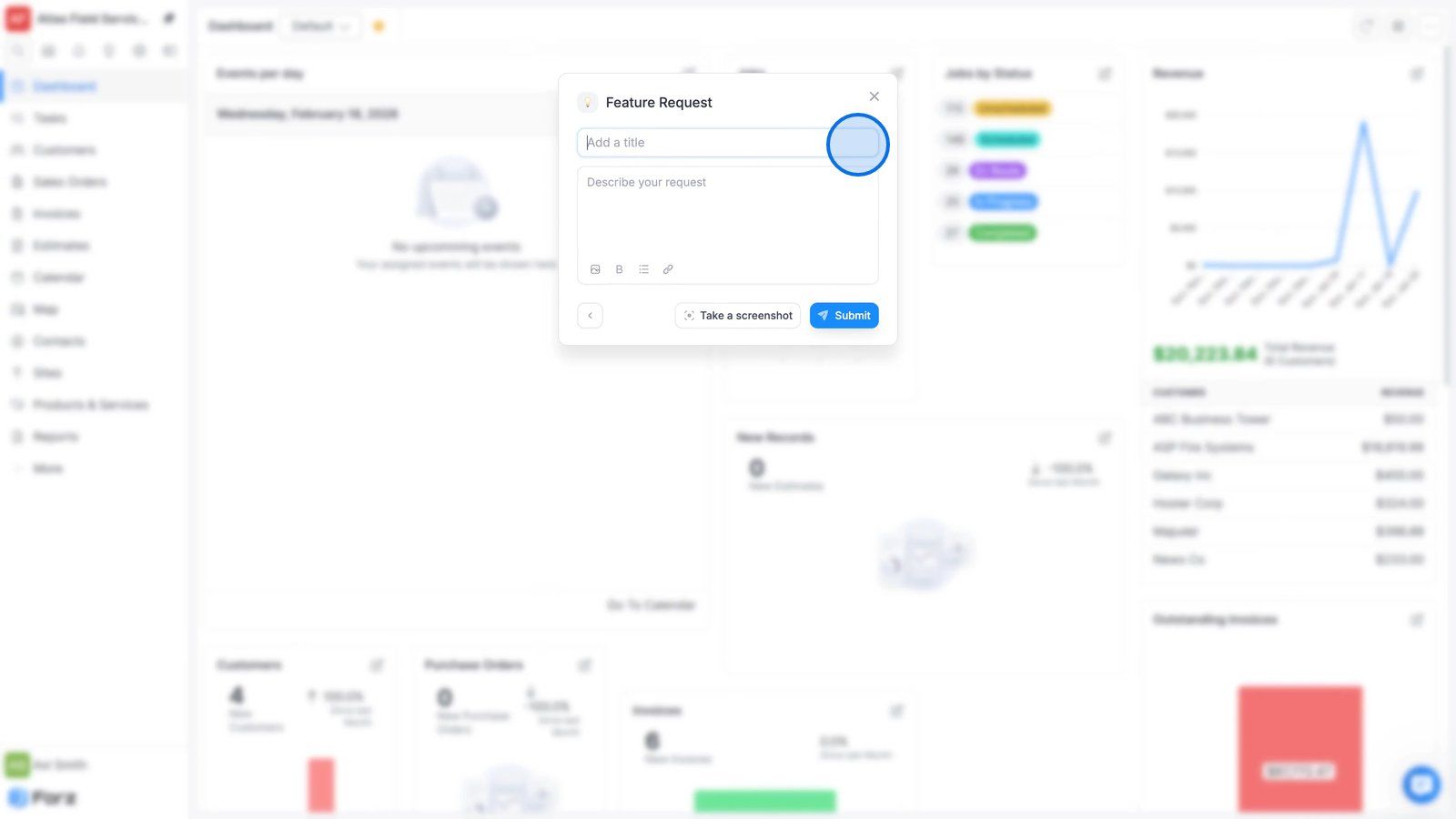
3) Enter a title and describe your request in detail.
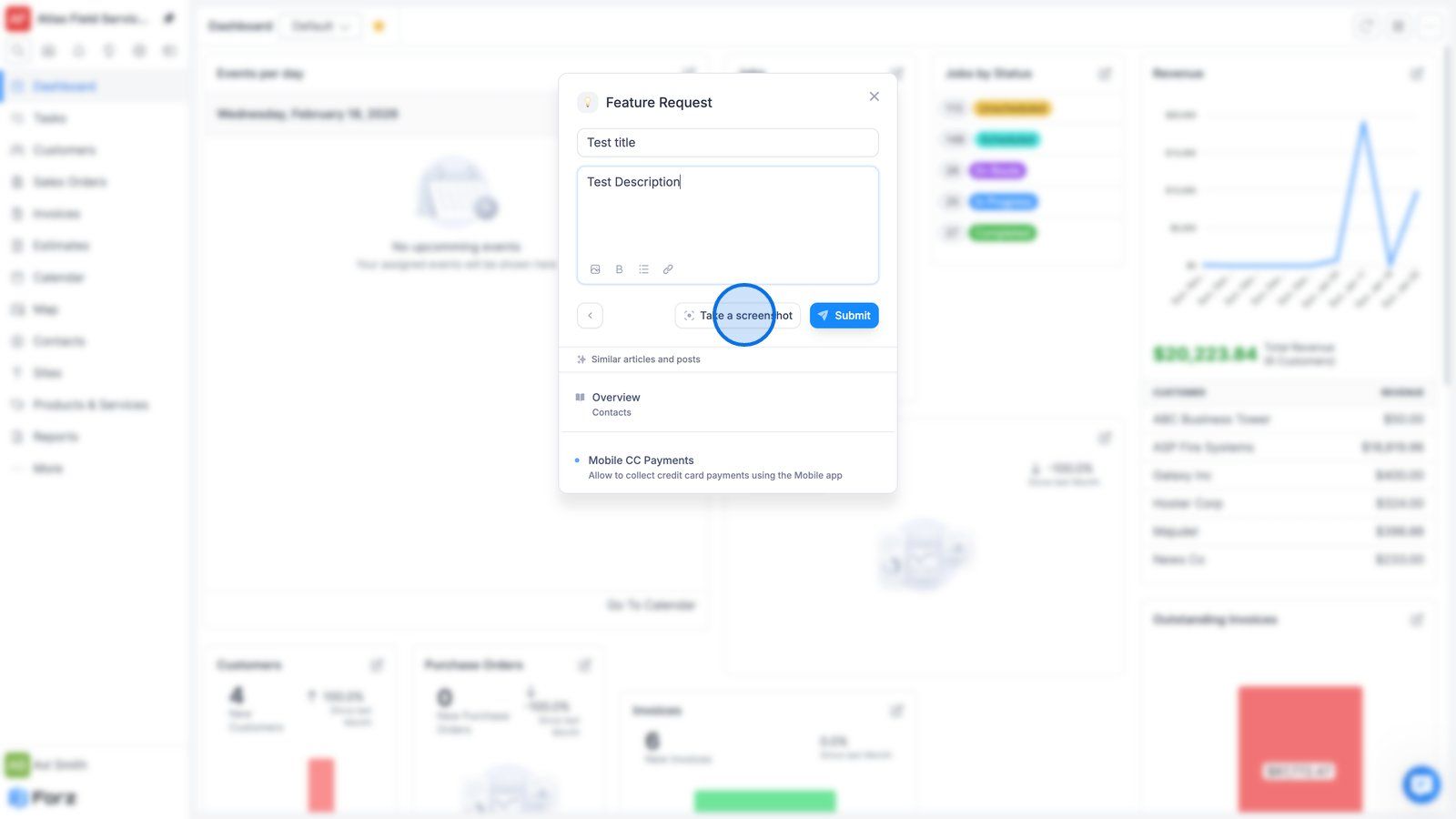
4) Use the Take a Screenshot button to attach visual context and ensure seamless communication with Forz Support.
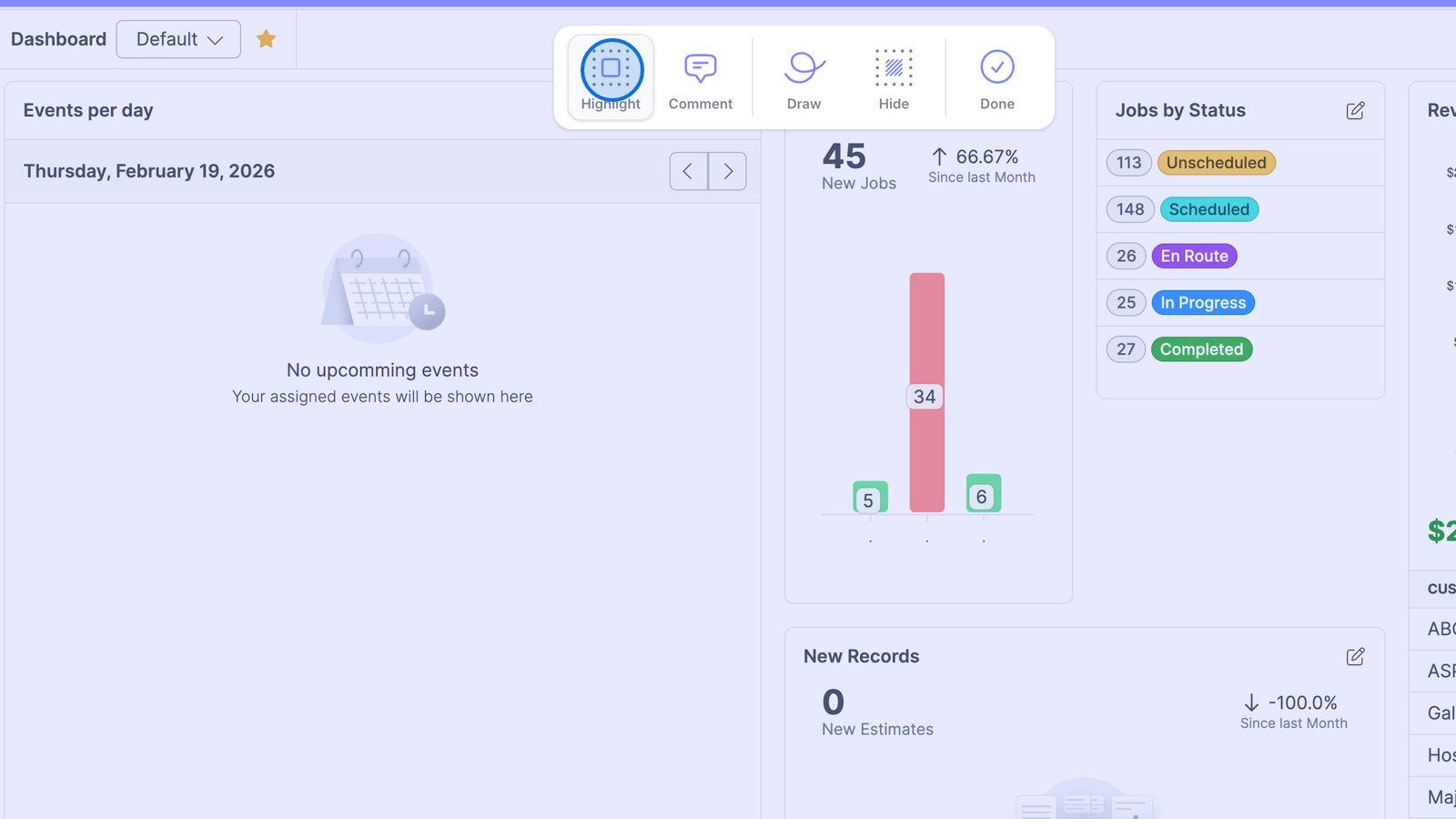
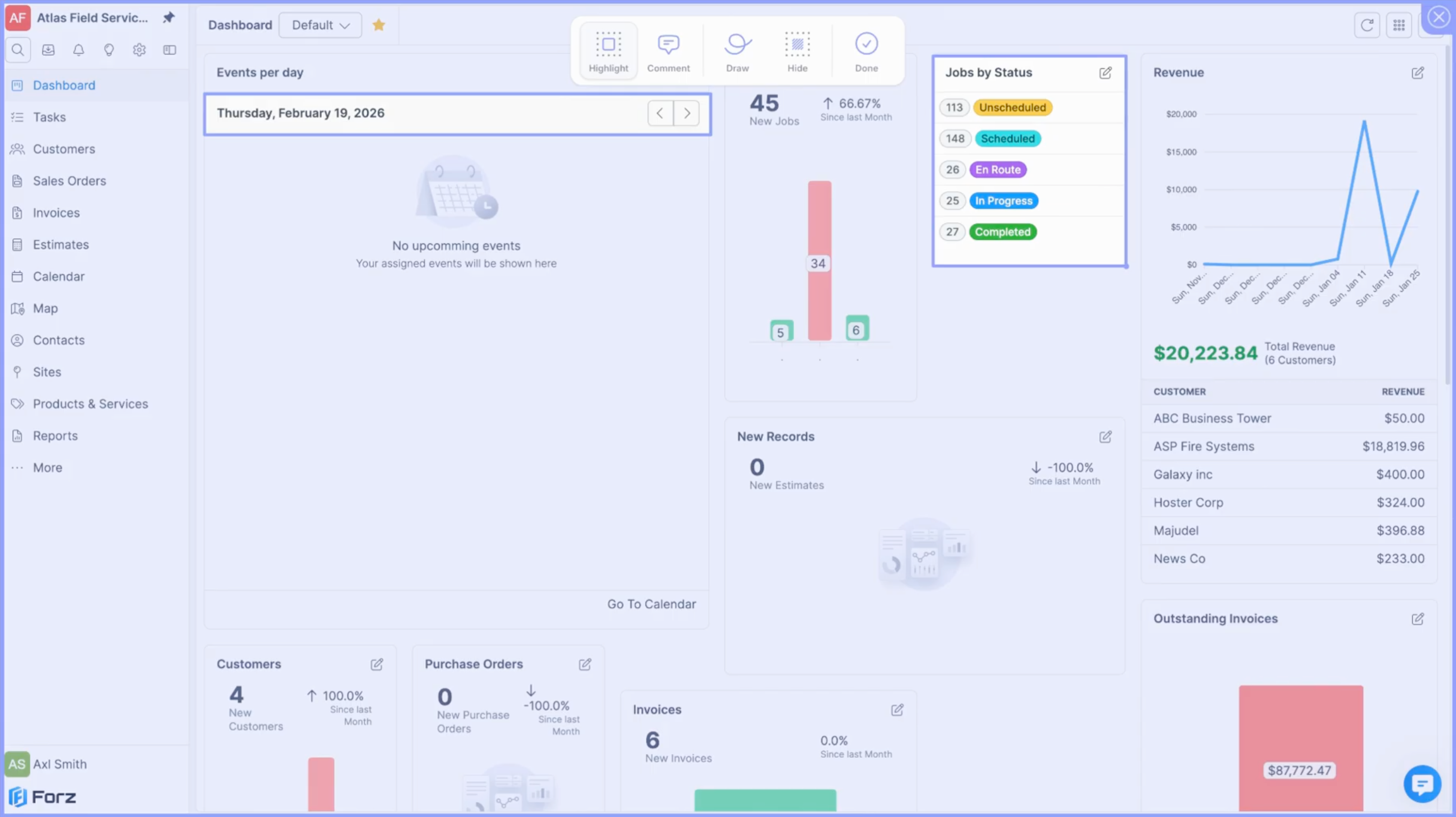
5) If you want to emphasize a specific area, click Highlight.
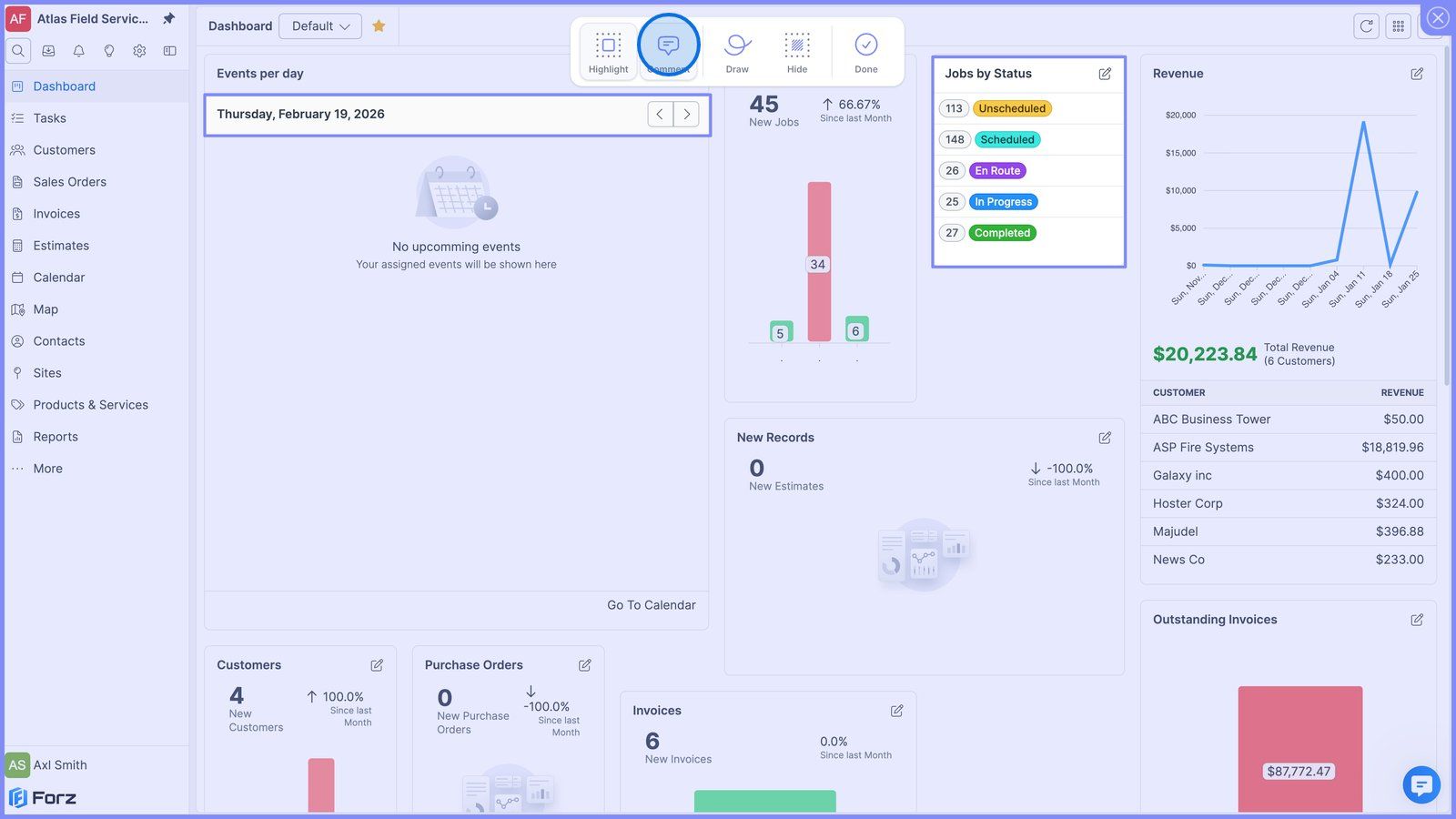
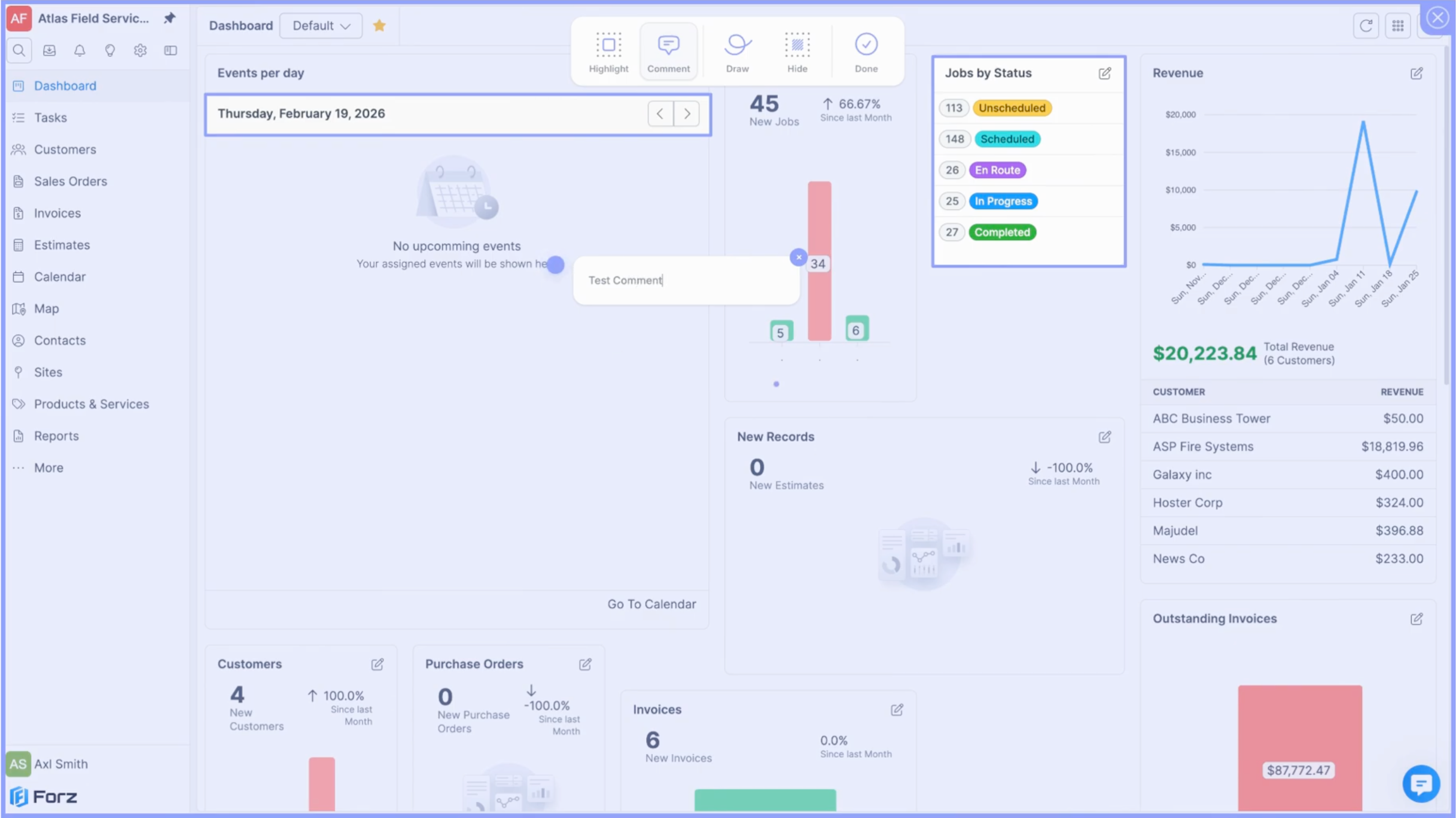
6) If you want to provide context, click Comment.
7) If you want to point to something using arrows or other shapes, click Draw.
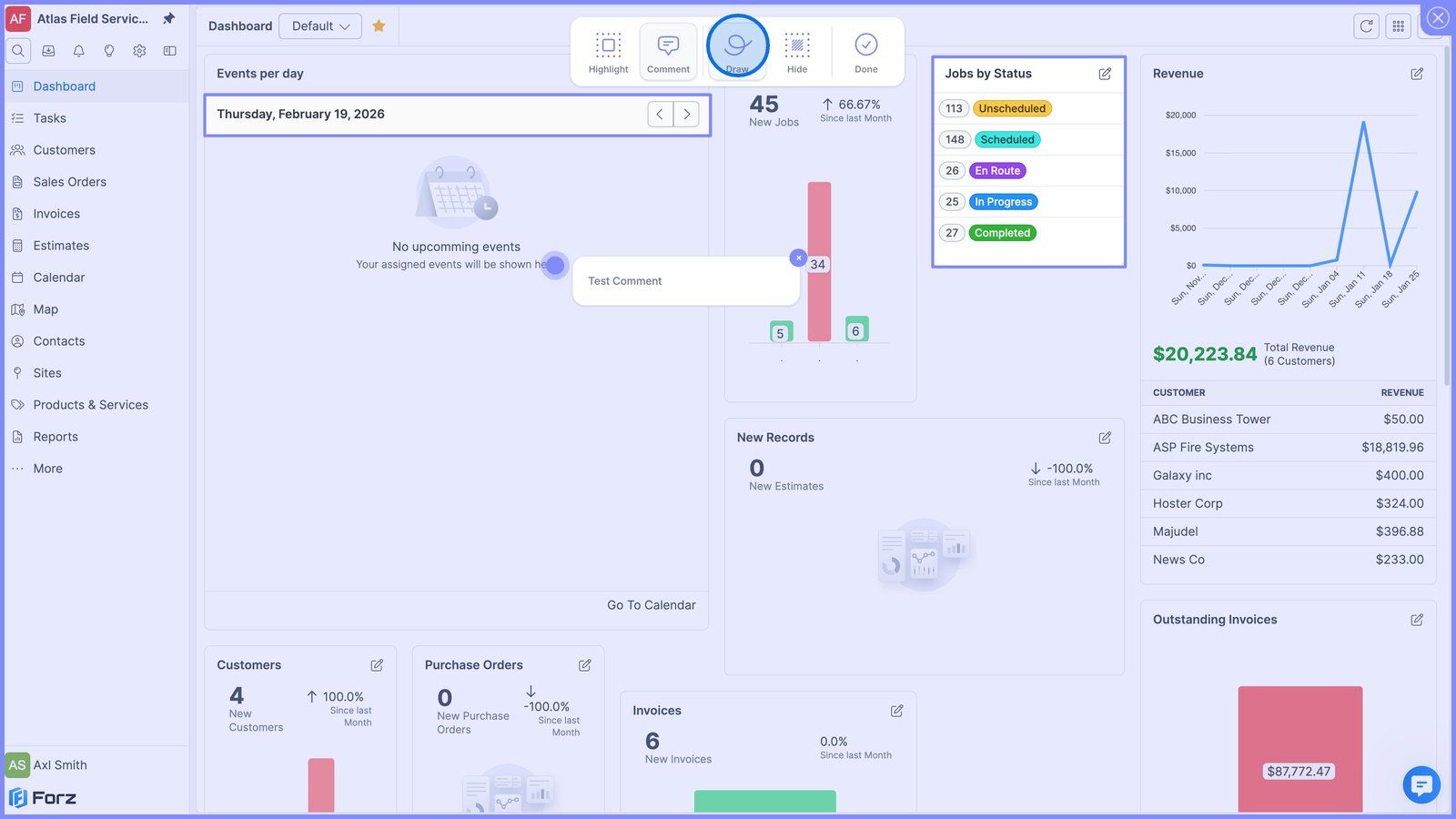
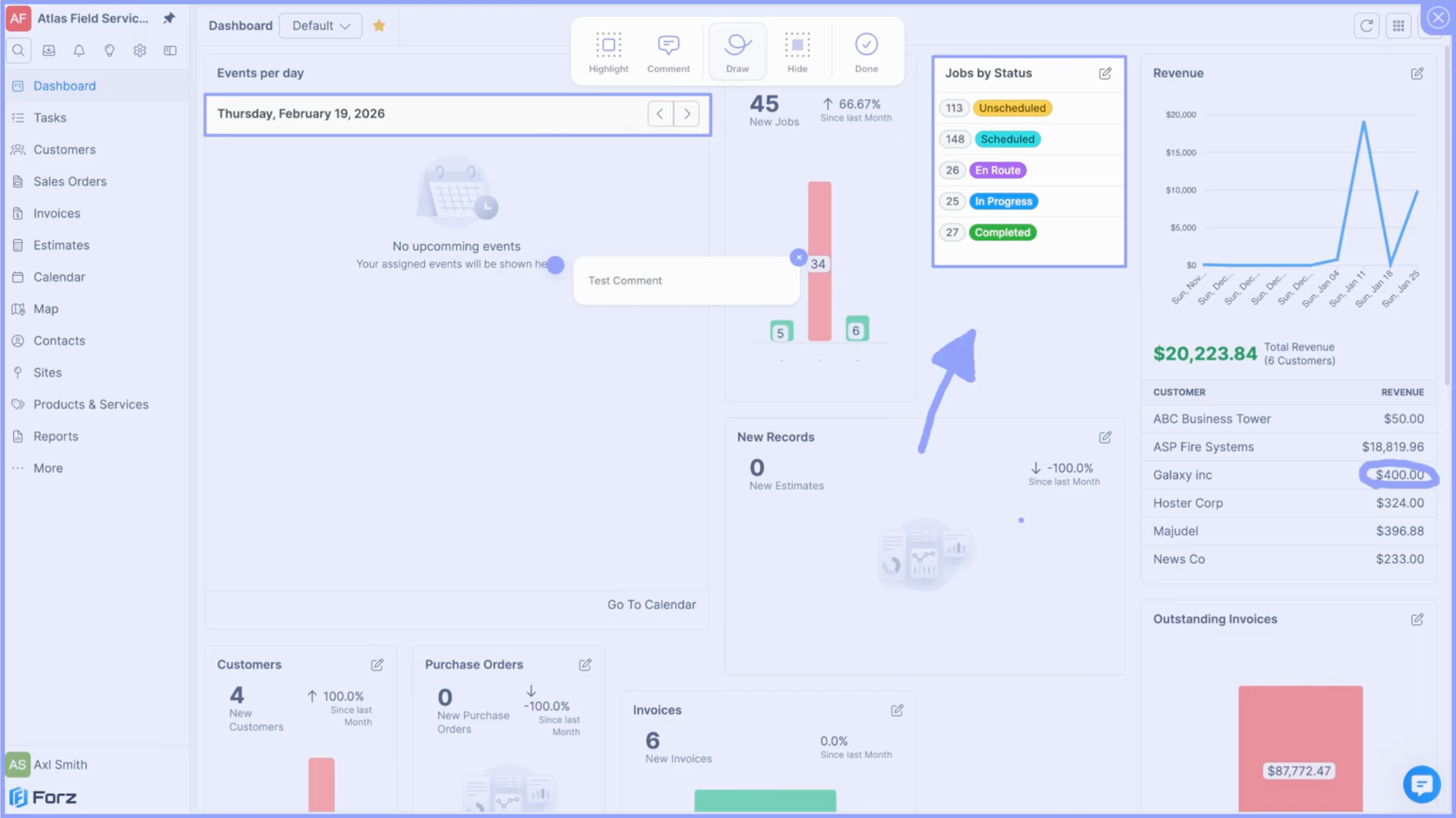
8) If you want to cover sensitive information, click Hide.
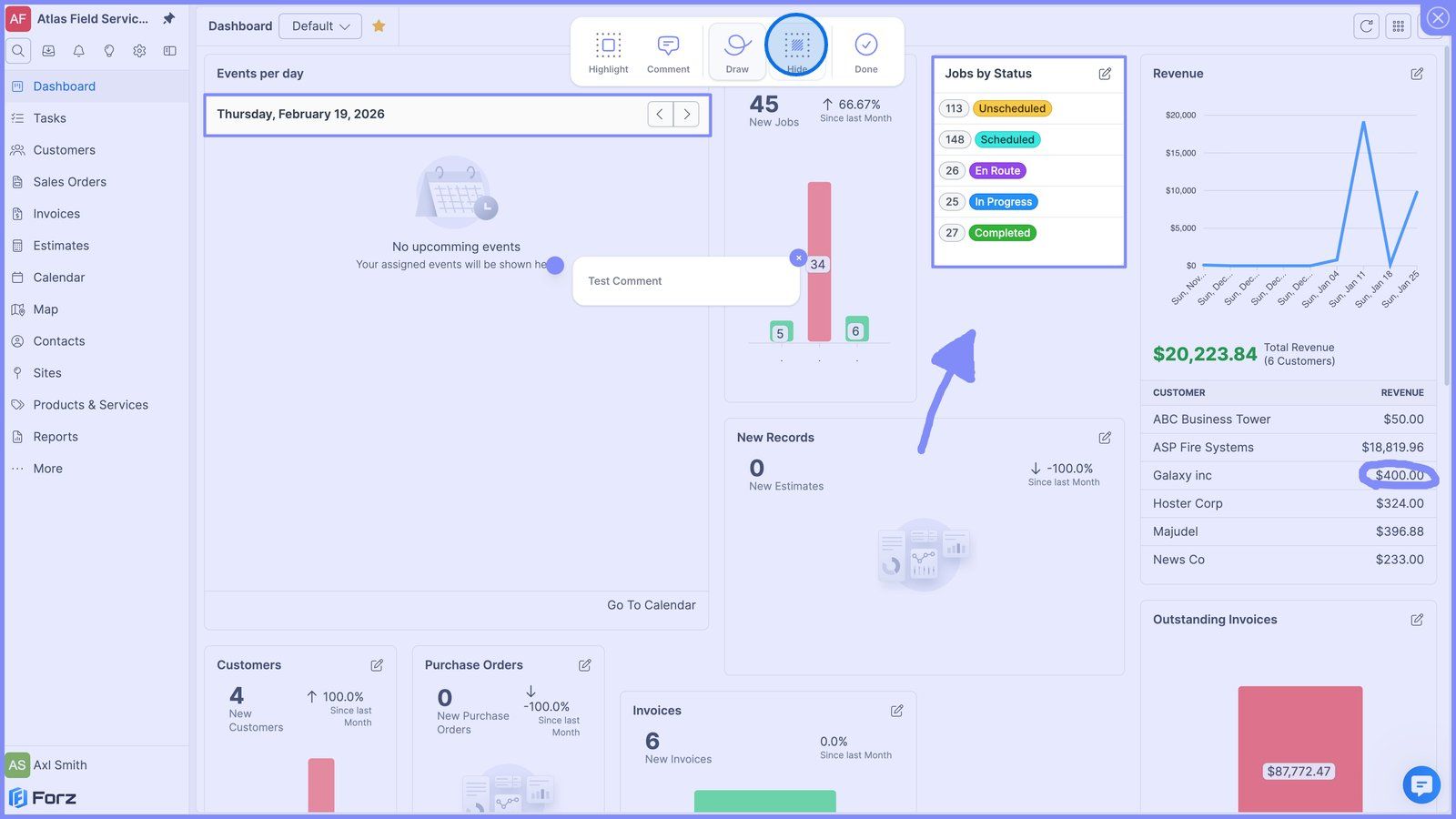
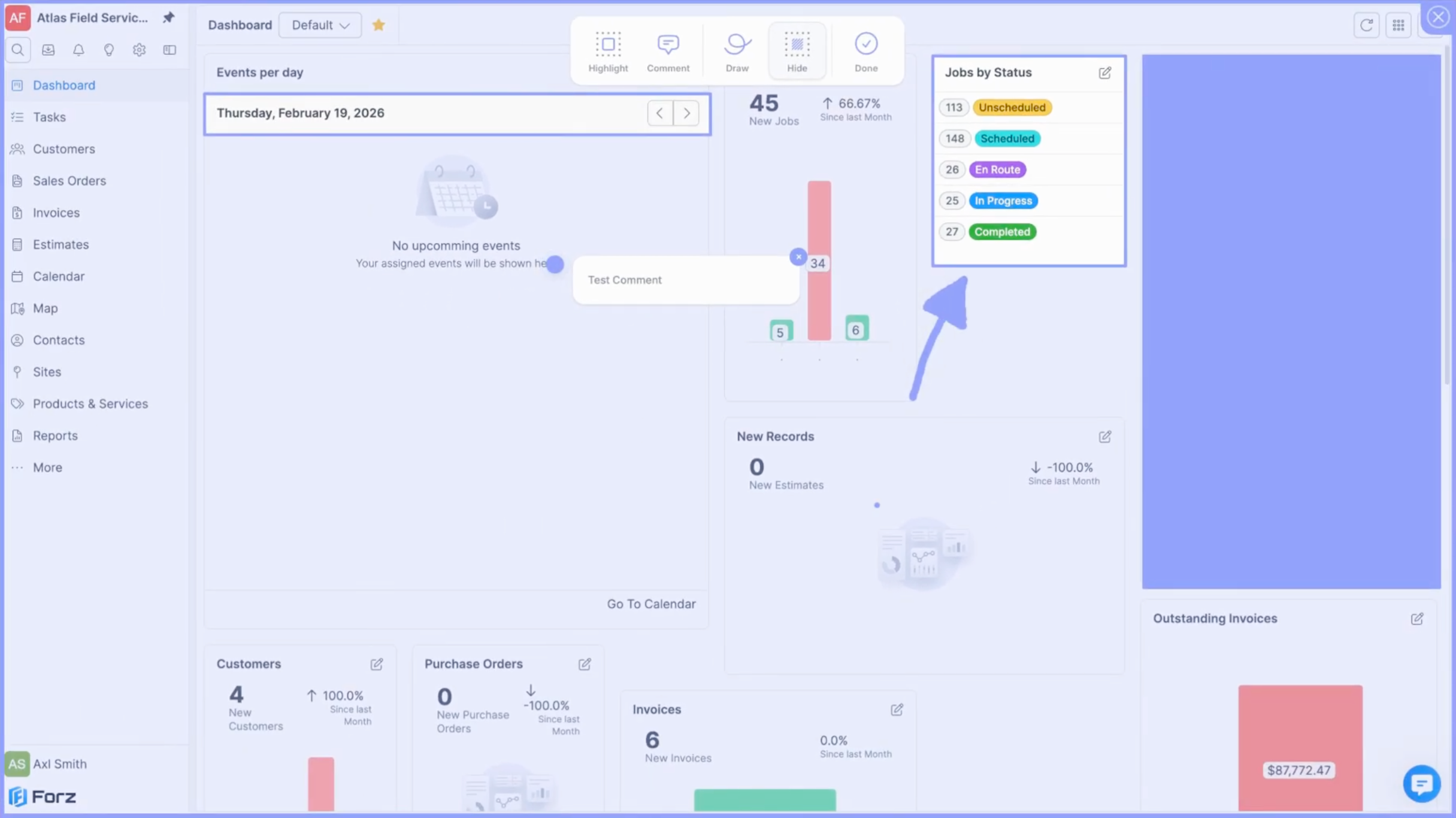
9) Hover over an element and drag it to reposition it.
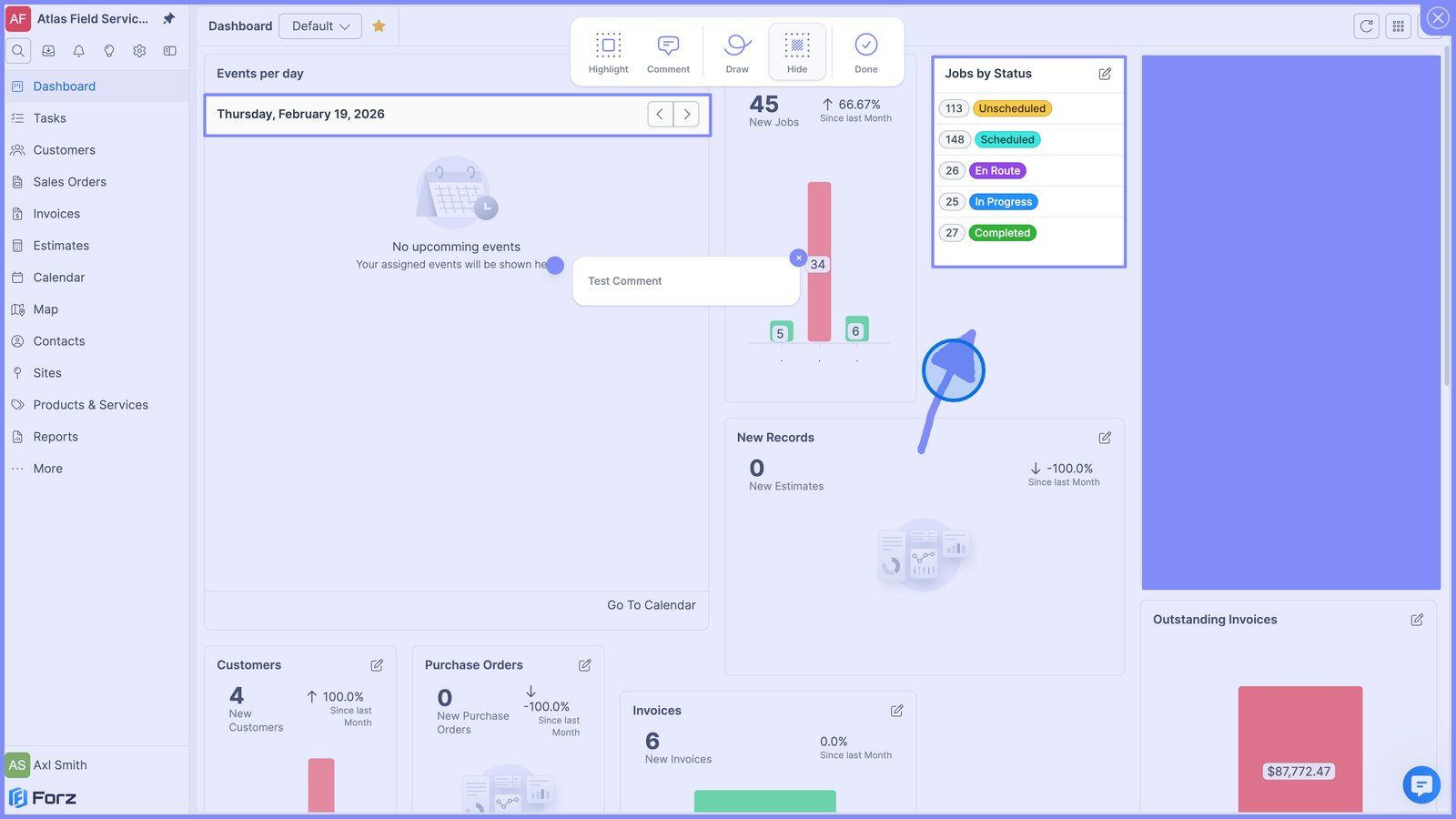
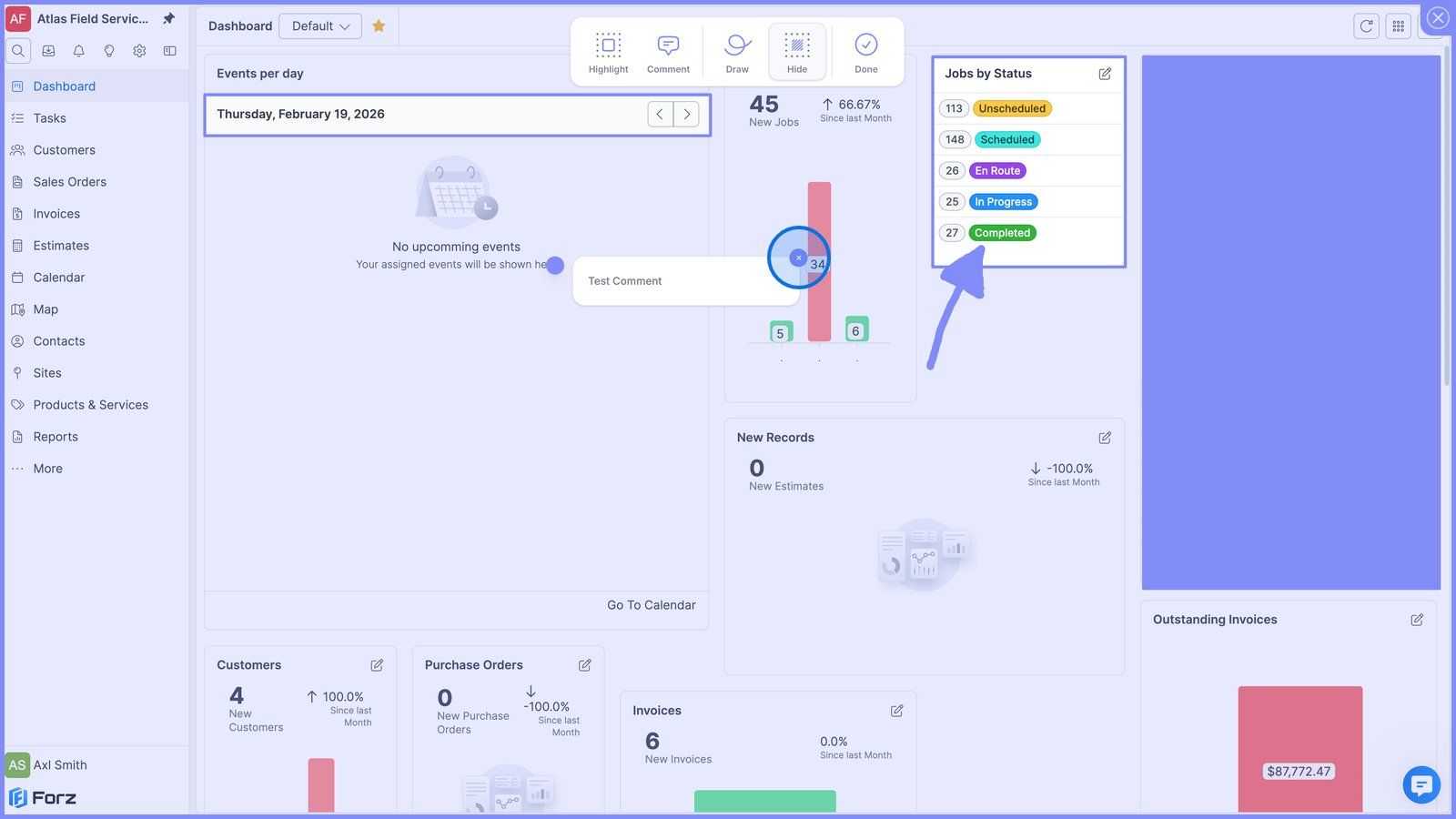
10) Click the close button to remove an element.
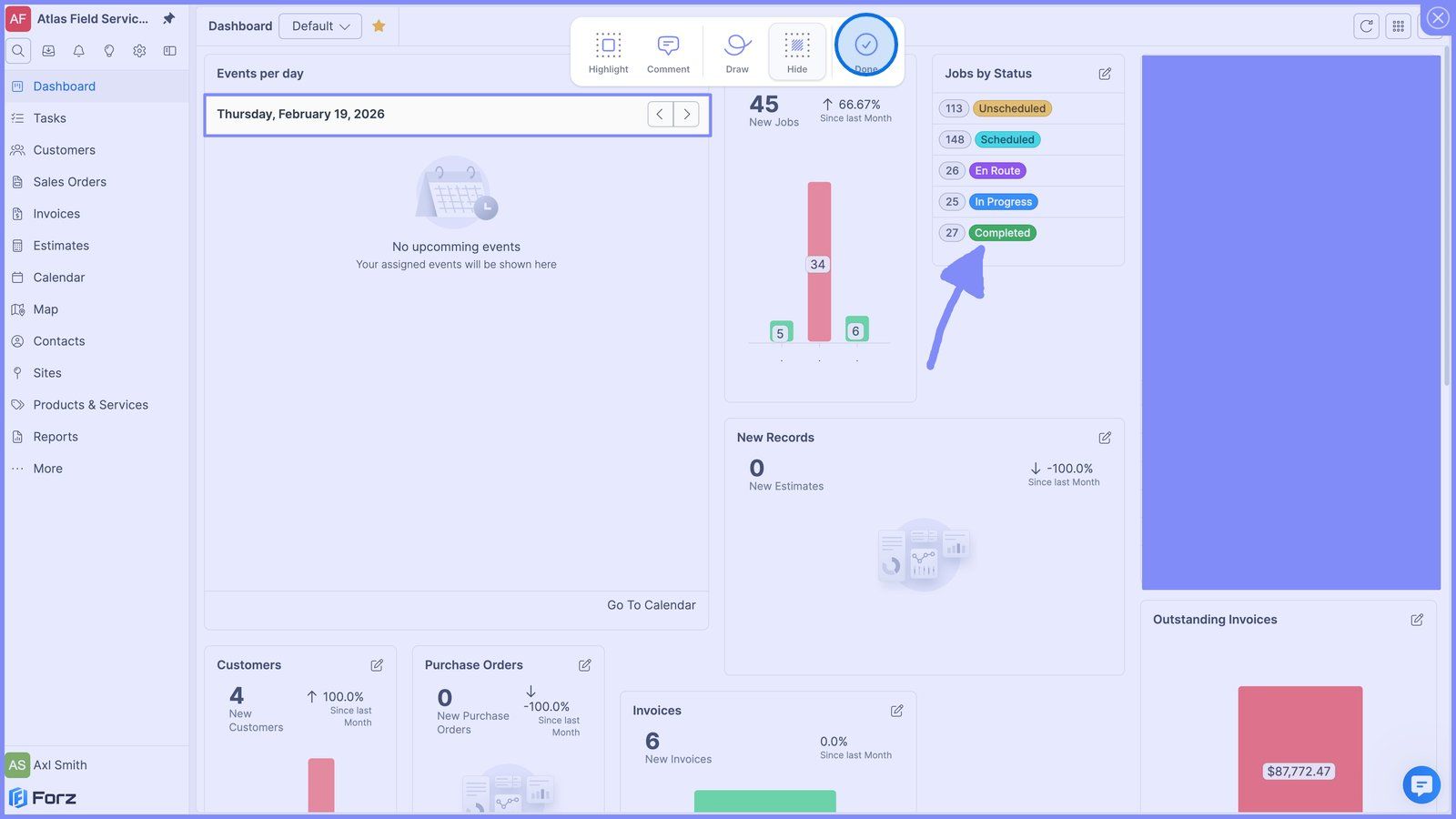
11) Click Done to save your screenshot and attach it to the request.
12) Finally, click Submit to send your request.
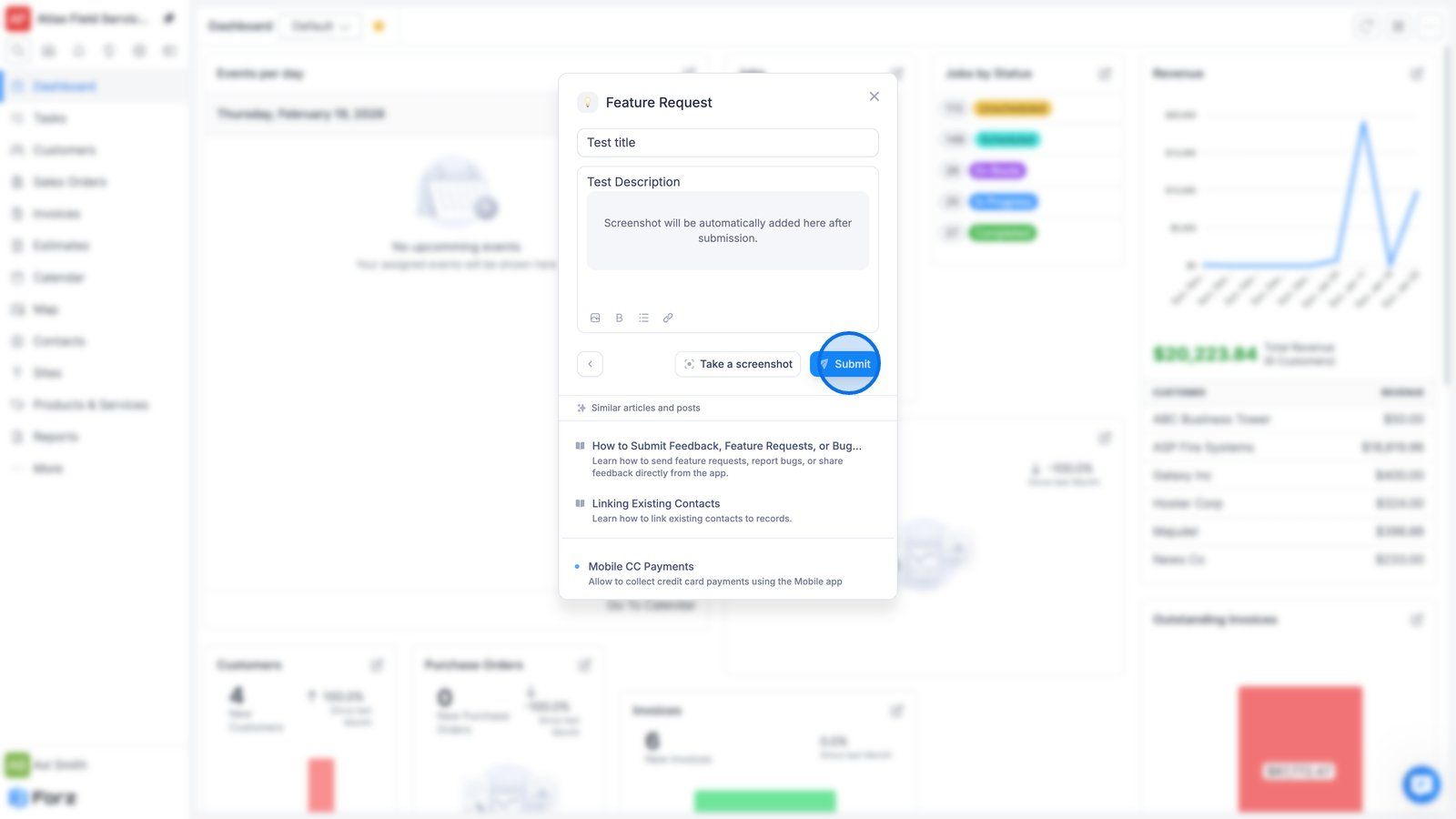
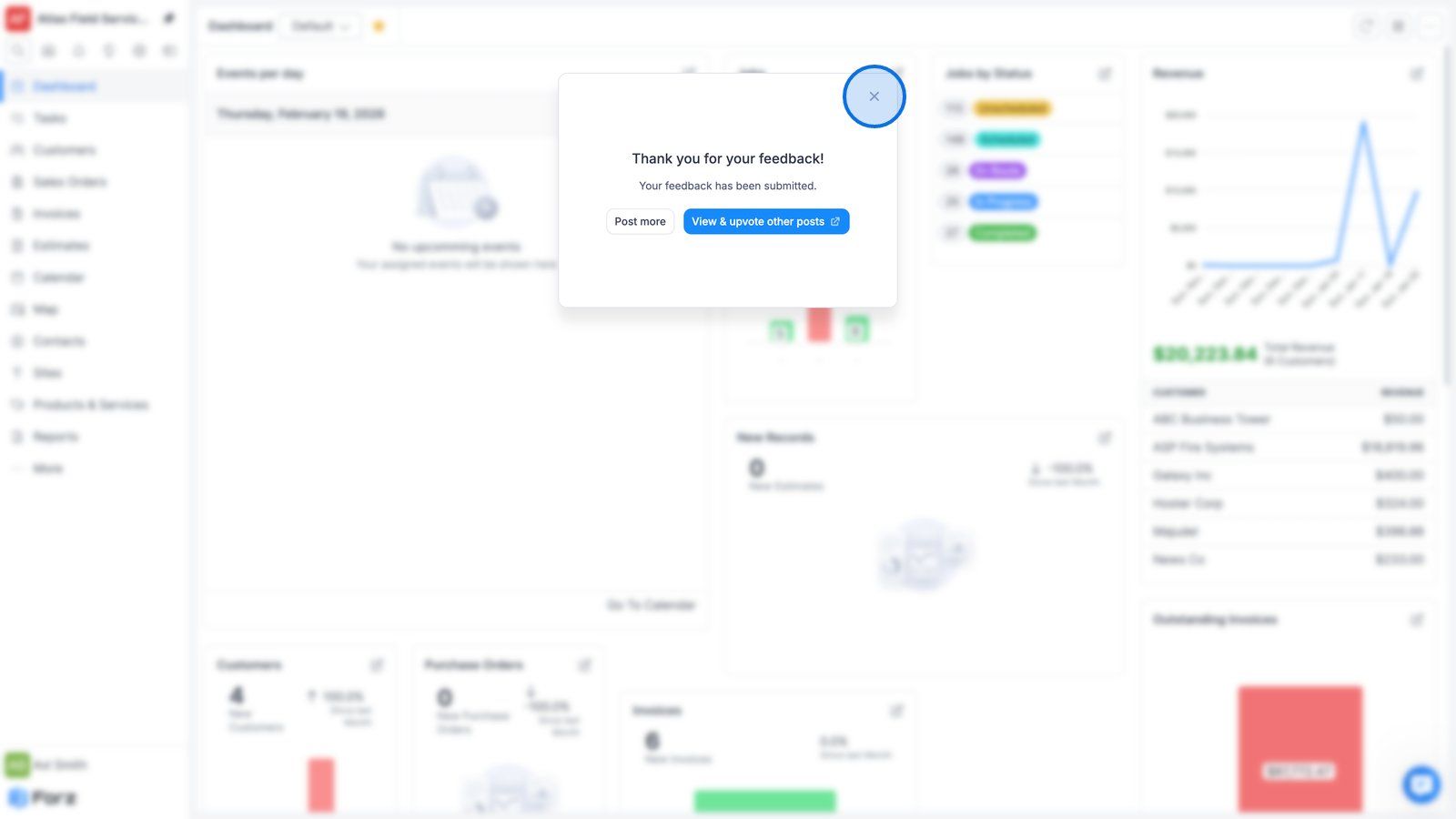
13) Click the close button to continue working in Forz.
Was this helpful?
Still need help? Ask the team