Company Settings
Set up your company name, contact information, address, and logo for use across Forz documents and communications.
Overview
Company Settings stores your business identity — the organization name, phone number, email, website, address, and logo that appear on invoices, estimates, the customer portal, and other outgoing documents. Keep this information current so your customers always see accurate details.
Before You Begin
Prerequisites:
You have the Admin role in Forz.
Updating Company Information
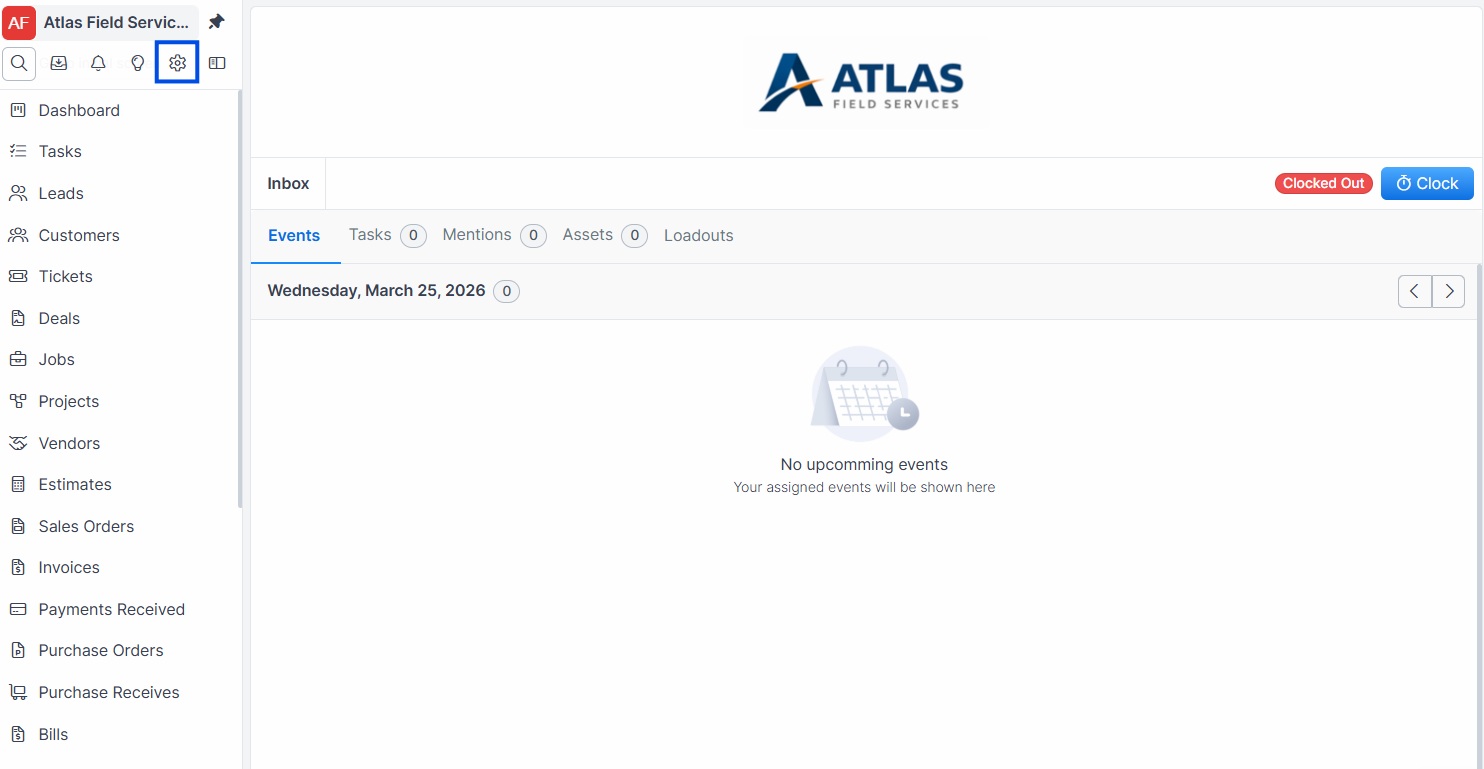
Click Settings in the sidebar navigation.
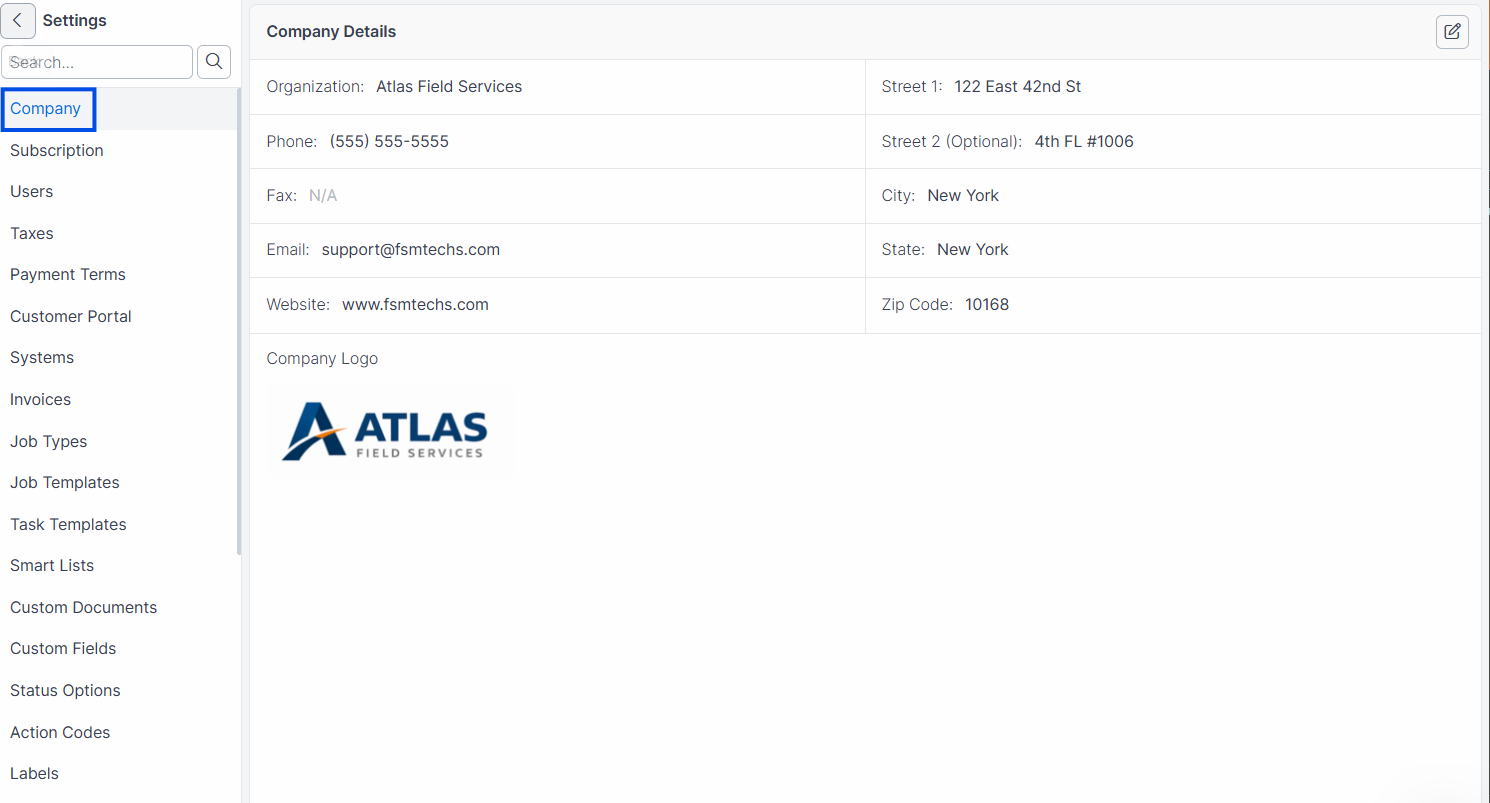
Click the Company tab (this is the default tab).
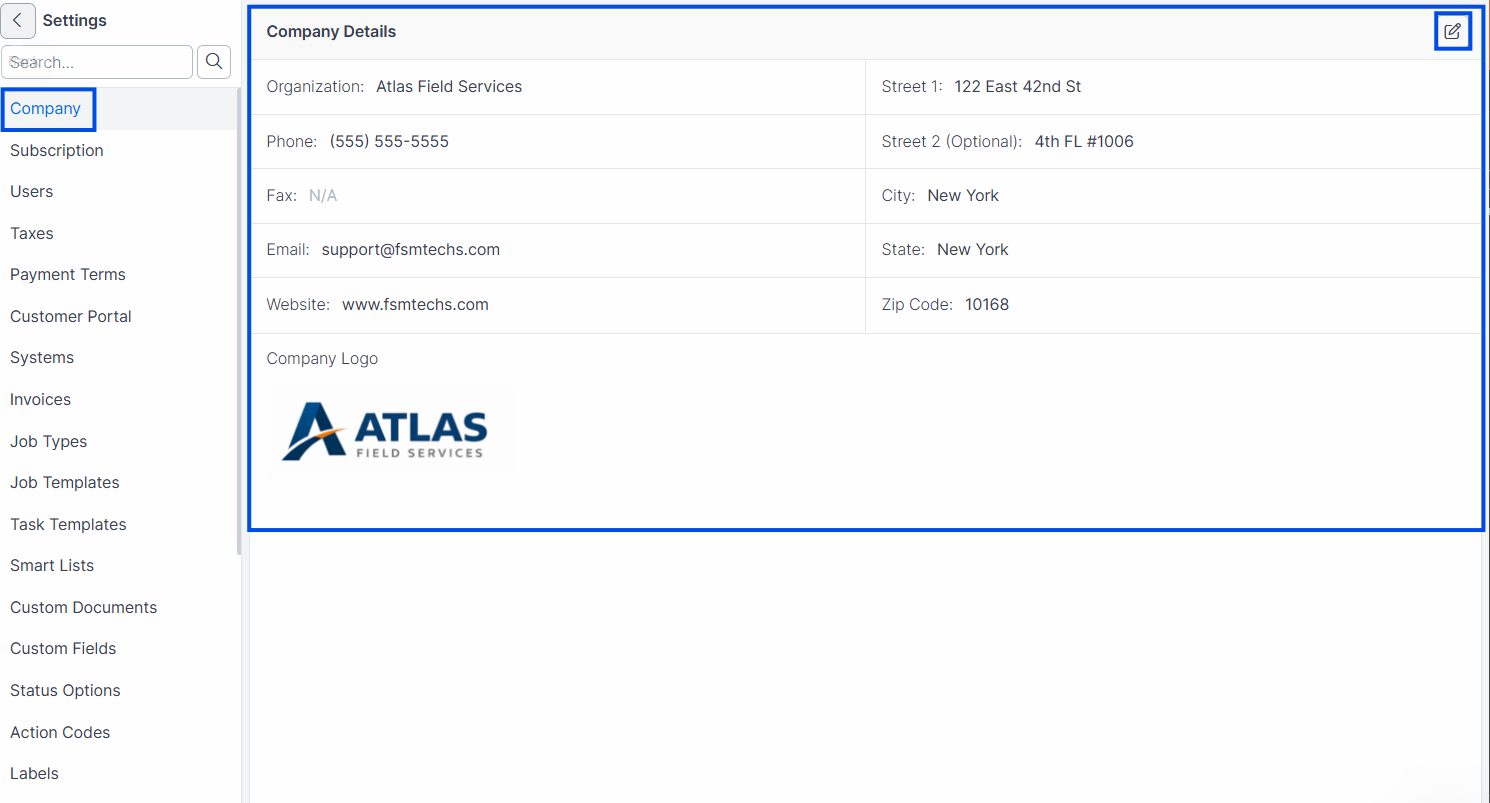
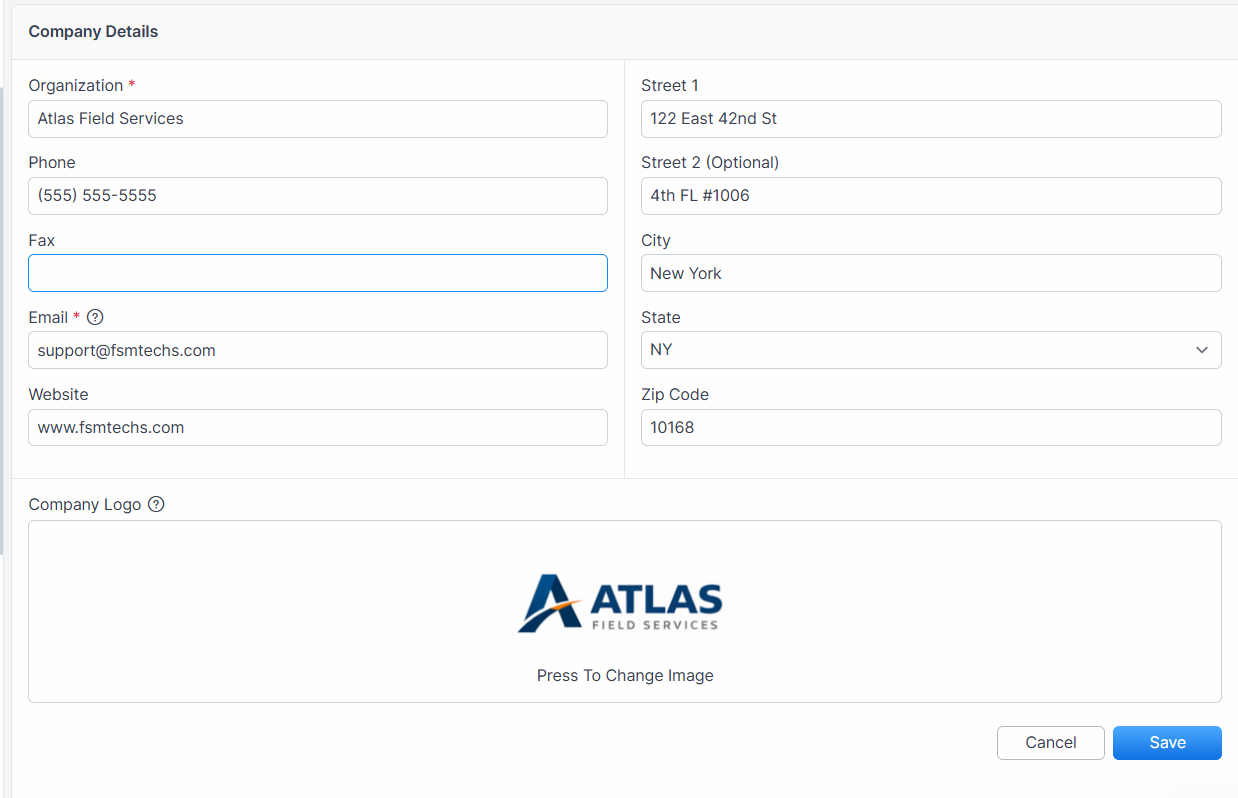
Update any of the following fields:
Organization — your company's legal or trade name
Phone — main office phone number
Fax — fax number (optional)
Email — primary contact email
Website — company website URL
Click Save.
Expected result: Forz saves the updated information and displays a confirmation message: "Appaccount updated." The changes reflect immediately on invoices, estimates, and the customer portal.
Updating Company Address
Navigate to Settings > Company.
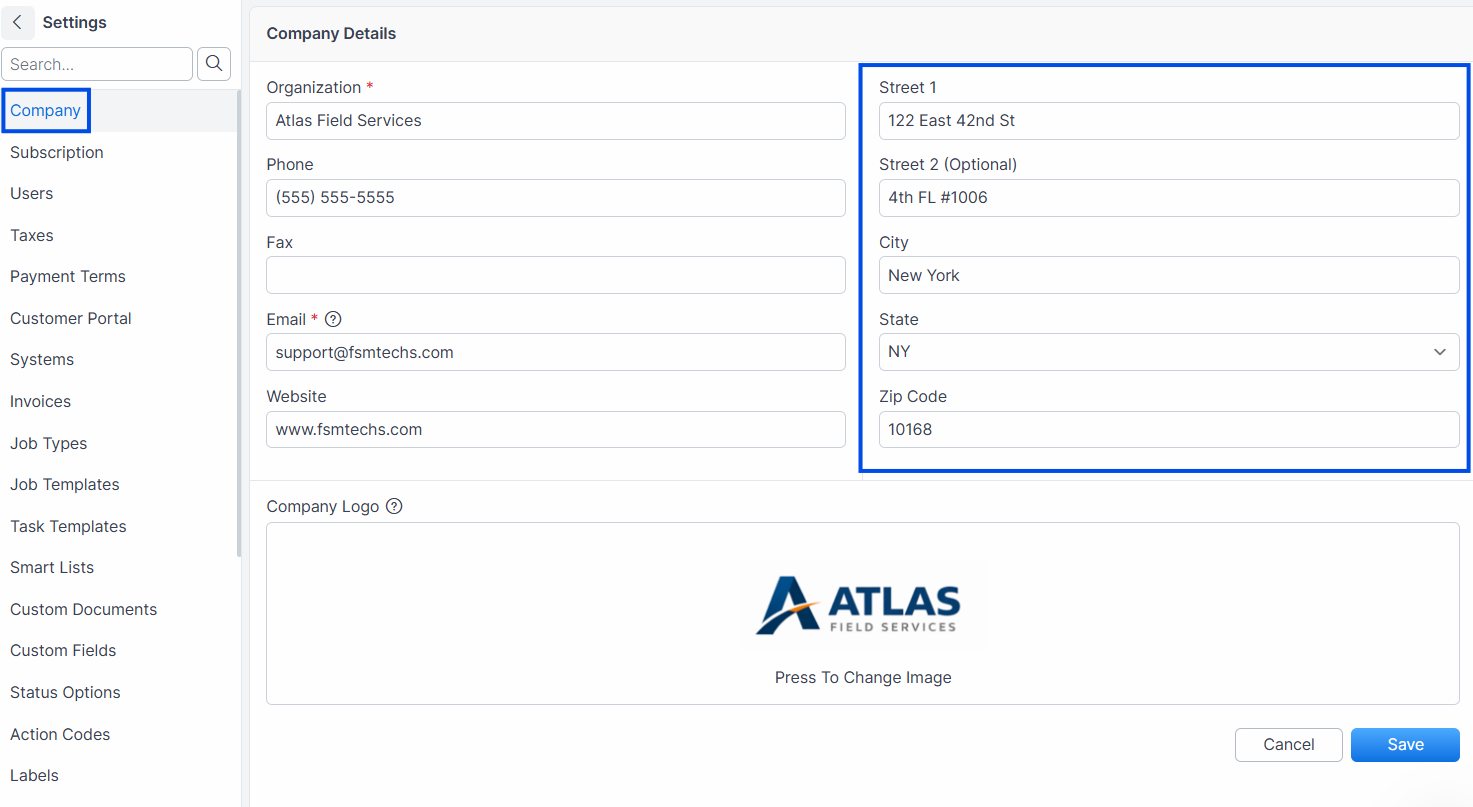
Update the address fields:
Street -- primary address line
Street 2 -- suite, unit, or building (optional)
City
State
ZIP Code
Click Save.
Expected result: The updated address appears on all outgoing documents (invoices, estimates) and in the customer portal header.
Uploading a Company Logo
Navigate to Settings > Company.
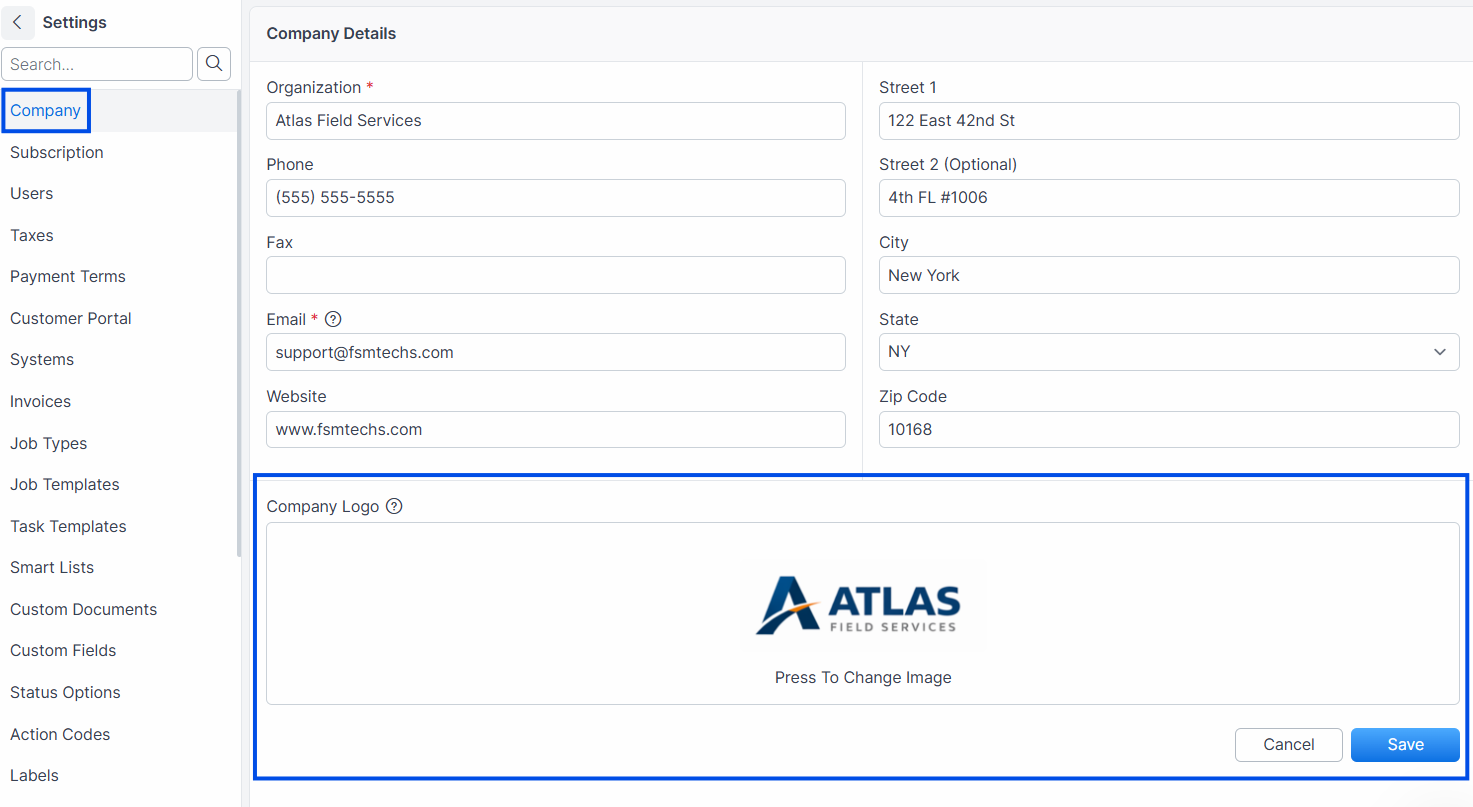
Click the Logo upload area.
Select your logo image file.
Click Save.
Expected result: Your logo appears in the company settings preview and on all documents (invoices, estimates, customer portal).
Tip: Use a high-resolution logo (at least 300px wide) with a transparent background for best results on invoices and the customer portal.
Common Scenarios
New HVAC company setting up Forz for the first time
After signing up, the office manager navigates to Settings > Company and enters: Organization "Summit HVAC Services LLC," phone "(512) 555-0187," email "office@summithvac.com," and the office address. They upload the company logo. All invoices and estimates now display Summit HVAC's branding.
Plumbing company updating after a rebrand
A plumbing company rebrands from "Joe's Plumbing" to "Cascade Plumbing Solutions." The admin updates the Organization name and uploads the new logo. Existing invoices retain the old name (they were generated at send time), but all new invoices display "Cascade Plumbing Solutions."
Troubleshooting
Was this helpful?
Still need help? Ask the team